
How to Automate Corporate Gifting With AI (Step-by-Step)

Corporate gifting usually starts as a few holiday orders and a birthday spreadsheet. Then the company hires in three new countries, sales wants thank-you gifts for closed deals, and research needs survey incentives sent by Friday. Someone ends up copying addresses into vendor forms at 9 p.m. This guide shows how to automate corporate gifting with AI, step by step, so the gifts go out on time and still feel like a person chose them.
What Does Automating Corporate Gifting With AI Actually Mean?
Most of a gifting program is not an AI problem. It is a timing, data, and delivery problem. A start date arrives, a deal closes, a survey gets completed, and a gift should follow. Rules and triggers handle that part better than any model, because they are predictable and auditable.
AI earns its place in the narrower jobs that used to need human judgment: picking a gift that fits a recipient’s country and budget, drafting a note that references what the person actually did, and spotting orders that look wrong before money leaves the account.
The split looks like this:
Task | Best handled by | Why |
Detecting a work anniversary or closed deal | Rules and triggers | Date and status fields are exact |
Checking budget limits | Rules | Caps must never “interpret” |
Choosing a gift type for a recipient | AI | Depends on country, role, and context |
Writing the personal note | AI drafts, a human approves | Tone matters, and errors are visible |
Delivering the gift and tracking redemption | Gift API or platform | Needs payment rails and a catalog |
Flagging unusual orders | AI plus rules | Patterns, plus hard thresholds |
Teams that skip this split tend to bolt a chatbot onto a broken process. Teams that respect it end up with a pipeline where AI touches only a few steps but saves most of the thinking time.
Why Manual Gifting Breaks Down at Scale
Manual gifting fails in boring ways. A birthday gets missed because the spreadsheet owner went on leave. A gift ships to an old address. A finance team finds three duplicate orders in December. None of these are dramatic, but each one costs money or goodwill.
The goodwill part matters more than it looks. Gallup and Workhuman tracked nearly 3,500 employees from 2022 to 2024 and found that well-recognized employees were 45% less likely to have changed organizations two years later. The same research found that only 22% of employees say they get the right amount of recognition. A gifting program that runs on memory and goodwill cannot close that gap. One that runs on triggers can.
Step 1: Map Your Gifting Moments and Budget Rules
Before touching any tool, write down every moment that should trigger a gift. Most companies end up with two lists.
Employee moments:
First day or end of first week
Work anniversaries (often 1, 3, 5 and 10 years)
Birthdays, if your culture and privacy policy allow it
Promotions, project launches and peer-nominated awards
External moments:
Closed-won deals and renewals
Customer onboarding milestones
Event attendance or speaking slots
Survey, interview and research participation
For each moment, set three rules: the amount (or a tier, such as $25, $50 and $100), who approves it, and the yearly cap per recipient. Keep the first version small. Three or four triggers that run perfectly beat twelve that half work.
This is also the point to decide what AI is allowed to change. A sensible default: AI can choose the gift type and draft the message inside a tier, but it can never change the amount or the recipient.
Step 2: Clean and Connect Your Recipient Data
Automation is only as good as the data feeding it. For employees, the source of truth is usually the HRIS. For clients and research participants, it is the CRM or survey tool.
The fields you need are fewer than most teams expect:
Name and work email
Country (this decides currency and which gifts are available)
The trigger field, such as start date, close date, or survey completion
Manager or account owner, for approvals and notes
Opt-out or consent flags
Notice what is missing: home addresses. Digital gifts delivered by email, SMS or link remove the most error-prone field in the whole process, along with the privacy work of storing it.
Apply the same restraint to the AI layer. A model choosing between a coffee card and a streaming card does not need a birth date or salary band. Send it the country, the occasion, the tier, and maybe a role or interest tag. Less data in the prompt means less to leak and less for the model to misuse.
Step 3: Choose a Delivery Layer That Works Across Countries
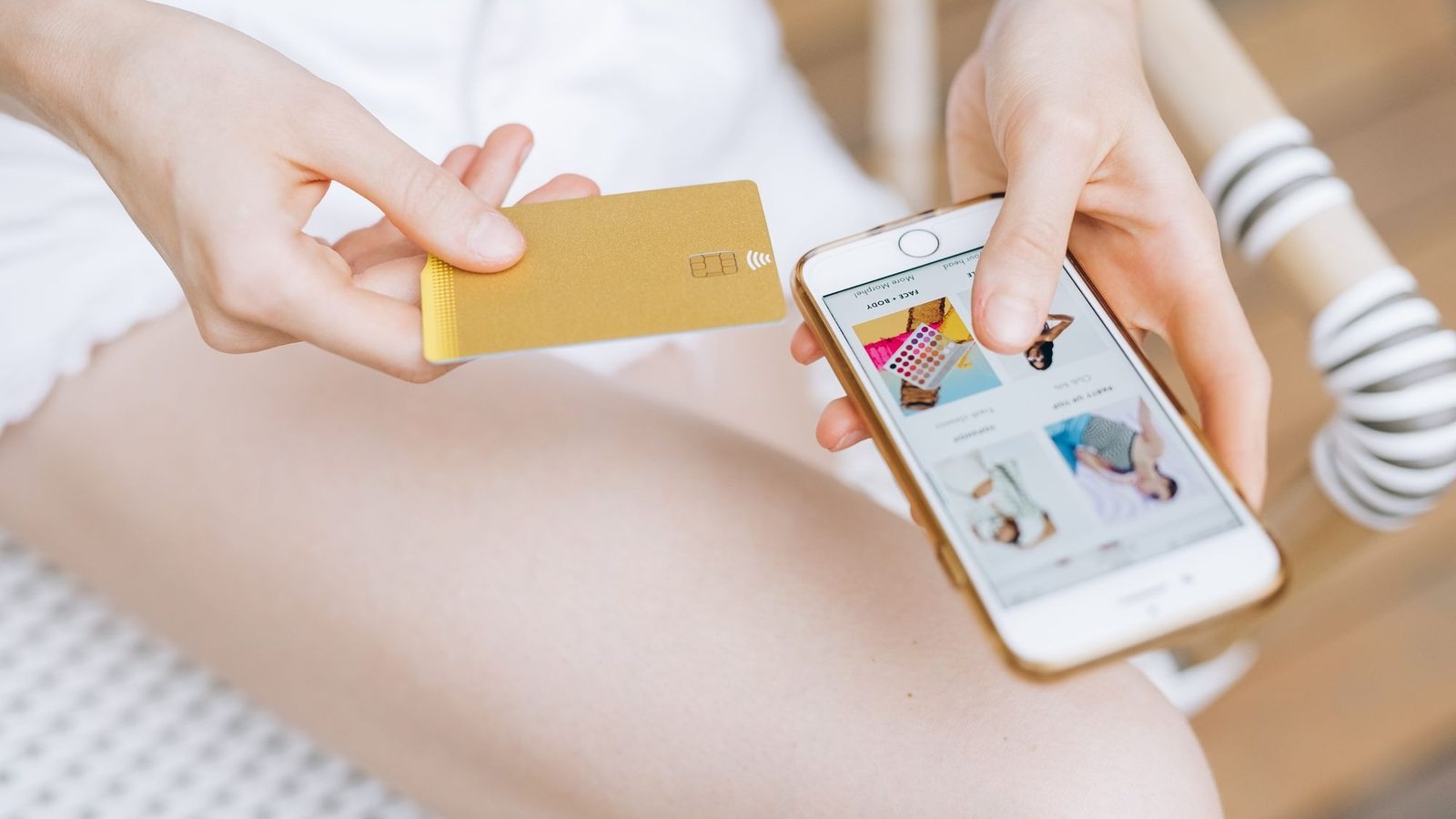
The delivery layer is the part that actually moves value to the recipient. You have three broad options: physical gifts through a fulfillment partner, single-brand gift cards, or choice cards that let the recipient pick a brand themselves.
For automated programs, digital delivery wins on almost every measure. There is no address to verify, no customs form, no shipping delay, and redemption data comes back in hours instead of weeks. Choice cards add one more advantage: the recipient makes the final pick, so a model’s guess about preferences only has to be roughly right.
The international question decides a lot here. A US coffee chain card is useless in Manila or Tbilisi, and converting amounts by hand across currencies is exactly the kind of busywork automation should remove. Look for a delivery layer with local brand catalogs per country and a global prepaid fallback.
Under the hood, most automated programs follow the same pattern: a trigger fires, a tool calls an API, and the result gets logged. For gifting, that API is the delivery layer. The Giftronaut gift card API is one example of how this works in practice. It is a REST API that reaches recipients in 225 countries with 4,300+ brands across 51 currencies, supports choice cards and prepaid Visa or Mastercard rewards, and offers a free sandbox with a $10,000 virtual balance for testing before any real money moves.
Whatever you choose, check four things before committing: country coverage, whether there are per-card or platform fees, whether a sandbox exists, and how the provider confirms delivery (webhooks are the answer you want).
Step 4: Build the Trigger Workflow

There are two ways to wire the trigger to the delivery layer, and both work.
The no-code route uses a workflow tool such as Zapier, Make, or n8n, the same tools many teams already rely on for digital marketing workflow automation. A typical flow: a deal moves to “closed-won” in HubSpot, the workflow pulls the contact’s country and the account owner, calls the AI step for gift choice and note, waits for approval in Slack, then sends the order. Most operations teams can build this in an afternoon.
The code route suits companies with an internal tools team or high volume. Your HRIS or CRM emits a webhook, a small service decides whether the event qualifies, and the service calls the gift API directly. This gives you version control, tests, and better error handling.
Whichever route you pick, build in three safeguards from the first day:
Idempotency. Every order should carry a unique key built from the recipient and the occasion (for example, employee-4412-anniversary-2026). If a workflow retries after a timeout, the provider rejects the duplicate instead of sending a second gift.
Time zones. A work anniversary gift that lands at 3 a.m. local time feels automated. Schedule sends in the recipient’s time zone.
Delivery confirmation. Listen for webhook events such as delivered, bounced or canceled, and route bounces to a human instead of letting them disappear.
Step 5: Add AI Where It Earns Its Place
With triggers and delivery running, AI can take over the judgment calls. Three uses deliver most of the value.
Gift selection. Give the model the occasion, tier, country, and any interest tags, and ask it to choose from a short list of allowed options. Constraining the output matters. “Pick one of these six card categories available in Germany at €50” produces reliable results. “Suggest a great gift” produces hallucinated products.
Note drafting. This is where AI saves the most time and where it can do the most damage. A good prompt includes the specific trigger (“closed the Rotterdam logistics deal after a six-month pilot”) and the sender’s name, and asks for two or three sentences in plain language. The manager or account owner approves or edits the draft with one click. Notes that mention something real read as personal. Notes that say “Thank you for all your hard work!” read as automated, whoever wrote them.
Anomaly checks. A model reviewing the day’s queue can flag patterns that simple rules miss: the same recipient appearing under two email addresses, an unusually high number of top-tier gifts from one manager, or a burst of orders right after a CRM import. Pair it with hard rules, and let the rules block while the AI explains.
The newest option is letting an AI agent operate the gifting tools directly. Agents connect to external services through an MCP server, the standard that lets AI assistants call real tools, so a request like “send the Q4 survey participants their $20 thank-you” can become an order without anyone opening a dashboard. Some gift providers already publish MCP servers. The safe pattern is the same everywhere: the agent drafts the order, a human approves it before funds move, and a daily spending cap limits the damage if something goes wrong.
Step 6: Set Guardrails for Spend, Approvals and Tax
Automation removes friction, and friction was quietly doing some of your risk control. Put it back deliberately.
Spend guardrails:
A daily and monthly cap at the account level
Per-recipient yearly limits
Approval required above a set amount, or for any first-time recipient type
Audit guardrails:
Log every order with the trigger, the AI-chosen option, the approver, and the delivery status
Keep AI-drafted notes and the final edited versions, so you can see how often humans change them
Tax is the guardrail most teams forget. In the US, gift cards given to employees count as wages. The IRS states that cash and cash-equivalent items from an employer are never excludable from income, and gift cards redeemable for general merchandise are taxable. That means employee gift card values need to flow into payroll and appear on the W-2. Your workflow should push each employee gift to payroll automatically, not leave it for someone to reconcile in January.
Contractors, research participants, and other non-employees follow different rules. Payments above the IRS reporting threshold require a W-9 and a 1099, so check whether your delivery provider collects W-9 forms automatically. Outside the US, rules vary by country, so involve your accountant before you switch on international employee gifting.
Step 7: Pilot, Measure and Adjust

Launch one trigger first. New-hire gifts are a good pilot because the volume is predictable and the feedback is honest.
Run it for four to six weeks and track:
Redemption rate. Unredeemed gifts are wasted budget and a sign the options are wrong.
Time to send. From trigger to delivery, ideally minutes.
Human edit rate on AI notes. If managers rewrite 80% of drafts, the prompt needs work.
Error count. Duplicates, bounces, wrong amounts.
Recipient feedback. A one-question pulse survey is enough.
There is real money at stake in getting this right. The Incentive Federation’s market study found that 84% of US businesses spend a combined $176 billion a year on non-cash incentives such as gift cards, merchandise, and travel. Even a small company’s share of that spend deserves the same reporting as any other budget line.
Once the pilot runs cleanly, add the next trigger. Most teams reach full coverage in a quarter.
3 Automated Gifting Workflows You Can Copy

These three cover the most common use cases. Each follows the same shape: trigger, AI step, approval, send, follow-up.
New-Hire Day-One Gift
Trigger: HRIS start date equals today, at 9 a.m. in the new hire’s time zone.
AI step: picks a choice card category suited to the country and drafts a welcome note from the manager that mentions the team and first project.
Approval: the manager gets the draft the day before and can edit or approve.
Send: digital choice card by email, $50 tier.
Follow-up: redemption status logged; payroll notified of the gift value.
Closed-Won Client Thank-You
Trigger: CRM deal stage moves to closed-won above a set contract value.
AI step: drafts a note that references the deal’s specific outcome, using the CRM notes field.
Approval: the account owner approves in Slack.
Send: choice card or local brand card in the client contact’s currency.
Follow-up: a task is created for the account owner to check in two weeks later.
Keep client gifts modest and check the recipient’s gift policy. Many public sector and regulated companies cap or ban gifts, and a workflow that ignores this creates an awkward conversation.
Survey or Research Incentive
Trigger: survey tool marks a response as complete.
AI step: none needed for selection; optionally screens for duplicate or low-quality responses before sending.
Approval: auto-approved under a small fixed amount, such as $10 or $20.
Send: reward link or prepaid card, delivered within minutes so participants trust the promise.
Follow-up: W-9 collection triggered automatically if a participant crosses the reporting threshold in a year.
Mistakes That Make Automated Gifts Feel Automated
Most failures are not technical. They are tone problems.
Generic notes are the biggest one. A gift with “Congrats on your anniversary!” and nothing else tells the recipient a system sent it. One specific sentence fixes this.
Bad timing is the second. Gifts that arrive weeks late, or at midnight, undo the effort. Schedule in local time and keep the trigger-to-send gap short.
Wrong options for the country come third. A card a recipient cannot use is worse than no gift. Choice cards and country-specific catalogs prevent this.
The last mistake is removing humans entirely. The manager approval step takes seconds, and it keeps someone accountable for what goes out under their name.
Frequently Asked Questions
Is automated gifting with AI impersonal?
It does not have to be. Automation handles timing and delivery, while AI drafts notes based on the specific reason for the gift. A human approving each note keeps it personal, and gifts that arrive on time often feel more thoughtful than late handpicked ones.
Do I need developers to automate corporate gifting?
No. A no-code workflow tool can connect your HRIS or CRM to a gift card API and an AI step in an afternoon. Developers help at high volume or when you need custom approval logic, version control, and testing.
Are gift cards taxable for employees?
In the US, yes. The IRS treats gift cards as cash equivalents, so they count as taxable wages no matter how small, and they must be reported on the employee’s W-2. Rules differ in other countries, so check locally.
Can I send automated gifts to recipients in other countries?
Yes, if your delivery layer supports local catalogs and currencies. Digital gift cards and choice cards are the easiest option, because they avoid shipping, customs, and address collection. Check country coverage before choosing a provider.
How much should a company budget for corporate gifts?
Most programs use tiers, such as $25 for small wins, $50 for anniversaries and onboarding, and $100 or more for major milestones. Set a per-recipient yearly cap and review spend after a pilot. Client gifts should also respect the recipient company’s gift policy.
How do I stop automated workflows from sending duplicate gifts?
Use an idempotency key on every order, built from the recipient ID and the occasion. If the workflow retries, the provider rejects the repeat. Add a daily review of the order log for anything the key does not catch, such as one person under two email addresses.
Can an AI agent send corporate gifts on its own?
Technically yes, through tools such as MCP servers, but it should not send without a check. The safe setup lets the agent draft orders while a human approves them before funds move, with a daily spending cap as a backstop.
Should I choose physical or digital gifts for an automated program?
Digital gifts suit automation better. They need no address, arrive in minutes, and report redemption automatically. Physical gifts still work for high-value moments, but they add shipping delays, address errors, and customs issues.
What data does the AI need to personalize a gift?
Very little. The occasion, the budget tier, the recipient’s country, and a short note about what they did are usually enough. Avoid sending sensitive personal data such as birth dates, salaries, or health information to the model.
How do I measure the ROI of automated corporate gifting?
Track redemption rate, time saved per gift, error count, and recipient feedback. For employee programs, compare retention and engagement scores between recognized and unrecognized groups over time. For client programs, look at renewal rates and meetings booked after gifts.
Conclusion
Automating corporate gifting with AI is mostly about putting each job in the right place. Triggers and rules handle timing and budgets, a gift card API handles delivery across countries, and AI handles the parts that used to need judgment, like choosing an option and drafting a note. Start with one trigger, keep a human approving what goes out, and connect gifts to payroll from day one. The result is a program that never forgets a milestone and still sounds like the people who sent it.