
Video Translator Mistakes That Make Dubbing Sound Fake
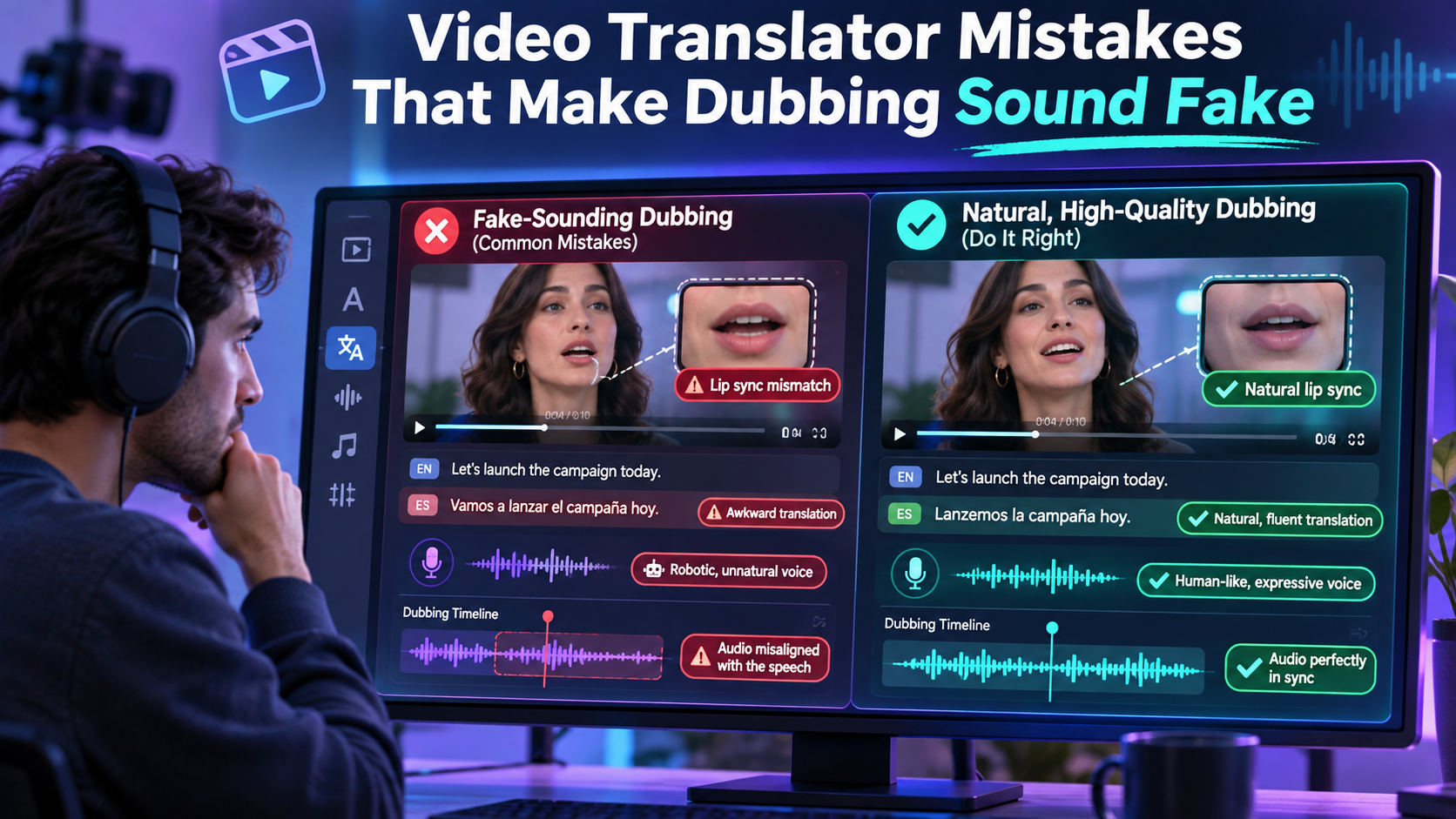
i mean do You finally have a great video, and you want people in other countries to enjoy it. So you run it through a translation tool, publish the new version, and wait for the views to arrive. Instead, comments point out strange phrasing, mistimed speech, and a voice that feels disconnected from the person on screen. The content was strong, but the localized version did not earn the same trust.
These problems are common, and almost all of them are avoidable. This article is for YouTubers, online course teams, and ecommerce brands who want to reach new audiences without damaging the quality they worked hard to build. We will go through the most frequent mistakes, explain why each one makes dubbing sound artificial, and offer simple fixes you can apply before your next release. None of them require a linguistics degree, just a bit of planning and a willingness to listen to your own output with fresh ears.
Mistake One: Trusting a Literal Translation
The fastest way to sound fake is to translate every sentence word for word. Languages do not share the same grammar, rhythm, or humor, so a literal version often reads like a manual rather than a person speaking. Humor, idioms, and cultural references are the first to break, and they are usually the parts that made your original video memorable.
A reliable video translator can handle the heavy lifting of converting speech, but you still need to review how the meaning lands. Read the translated script aloud, or ask a native speaker to do so. If a sentence feels clumsy, rewrite the original idea in simpler terms rather than forcing the translation to carry something it cannot. The goal is for viewers to feel the message was created for them, not carried across a language barrier.
Rewrite Idioms Before You Translate
Phrases like "hit the ground running" or "a piece of cake" rarely survive a language change. Swap them for plain statements in your source script, such as "start quickly" or "easy to do." This small habit reduces errors and keeps your translated lines short and natural.
Mistake Two: Ignoring Speech Length and Timing
Some languages need more words than others to say the same thing. Spanish and German often run longer than English, while some other languages run shorter. If the translated sentence is longer than the original, the voice either speeds up unnaturally or spills over into the next scene. Both outcomes are obvious to viewers.
To avoid this, leave breathing room in your original recording. Pause between ideas, avoid cramming several points into a single breath, and keep on-screen action from depending on a precise word. During review, watch scene changes closely and check that the spoken line ends close to when the visual shifts. Trimming a few filler words in the translation usually fixes the issue without changing the meaning.
Mistake Three: Skipping a Glossary of Key Terms
Brand names, product features, and industry vocabulary need consistent handling. Without guidance, the same term may be translated in two different ways within a single video, which confuses viewers and weakens your brand voice. Some terms should never be translated at all, such as the company name or a signature feature title.
Create a short glossary before you start. A simple table works fine, listing each important term, whether to translate it, and how it should be pronounced. Share the glossary with anyone who reviews the localized output. It also helps if you plan to publish in several languages, because the same decisions can be reused each time.
Items worth including in your glossary:
Brand, product, and feature names, with notes on whether they stay in the original language.
Industry terms that have an established local equivalent.
Names of people and places that need careful pronunciation.
Phrases you want to avoid because they sound awkward locally.
Mistake Four: Forgetting On-Screen Text and Captions
Many teams translate the audio but leave titles, lower thirds, and screen recordings in the original language. A viewer hears one language and reads another, which feels unfinished. Captions are another trouble spot. Auto-generated subtitles that do not match the dubbed audio create a double experience that distracts from the message.
Audit every visual element before you export. List the text overlays, buttons shown in demos, and any charts with labels. Decide which need replacing and which can stay. Then align your subtitles with the final dubbed script rather than the original one, so what people read matches what they hear.
Mistake Five: Publishing Without a Native Review
Automated tools are impressive, but a short human check remains the cheapest insurance against embarrassment. A native speaker can spot tone problems, regional wording that does not suit your audience, and small errors that software cannot judge. This matters most for marketing, training, and customer-facing material, where a single odd phrase can affect credibility.
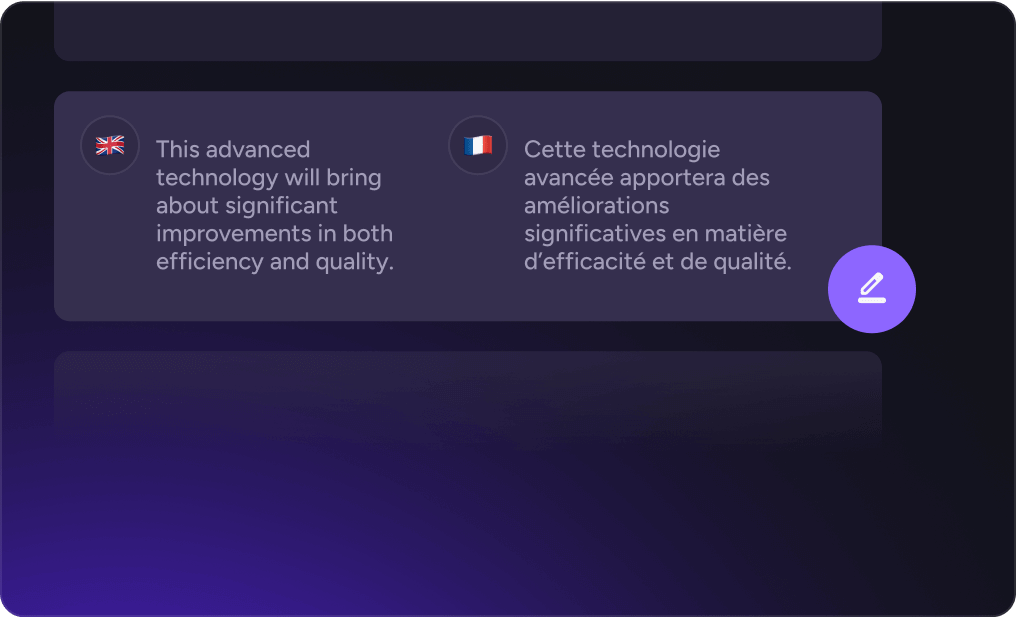
Make the review lightweight. Send the reviewer the translated script alongside the video, ask them to mark anything that sounds unnatural, and give them a clear deadline. Platforms such as AKOOL let you adjust the translated text and regenerate the output, so fixes can be applied quickly without redoing the entire project. Keep a note of repeated corrections and feed them into your glossary for next time.
Mistake Six: Mismatching Voice and Visual Presence
Finally, watch for a voice that does not suit the speaker. If the original presenter has a warm, relaxed manner and the dubbed voice sounds formal and flat, viewers feel the disconnect immediately. The same goes for lip movement. When mouth shapes drift away from the words, attention shifts from your message to the technical flaw.
Choose voice settings that match the age, energy, and personality of the speaker, and preview a short segment before processing the full video. If lip alignment is available, test it on a close-up shot first, since close-ups reveal the most. A thirty second sample gives you enough information to decide whether to continue or adjust.
Natural Dubbing Comes From Small Habits
Fake-sounding dubbing is rarely caused by one big failure. It builds up from small oversights: literal phrasing, mistimed sentences, inconsistent terms, forgotten captions, and no human review. Each of these is easy to prevent once you know what to look for.
Before your next release, rewrite idioms, leave room in the timing, prepare a glossary, check every visual element, and ask a native speaker to listen. These steps take little time, and they help your localized videos earn the same trust as the original.