
Instagram Resize Tips for Aesthetic and Professional-Looking Feeds
By AITopTools Editorial TeamApril 7, 2025Updated April 8, 20255 min read
When it comes to Instagram, first impressions happen in seconds. A visually appealing feed can captivate visitors instantly, while poorly sized images and videos can make even the best content look unpolished. Whether you’re a content creator, influencer, or business owner, mastering the right dimensions is essential to maintaining a professional and aesthetically pleasing profile.
An AI video editor can simplify the process, ensuring that your videos and images fit Instagram’s ever-changing format requirements. The right tools eliminate the hassle of manual resizing, helping you maintain quality while adapting content for different post types.
Recommended Dimensions for Different Post Types
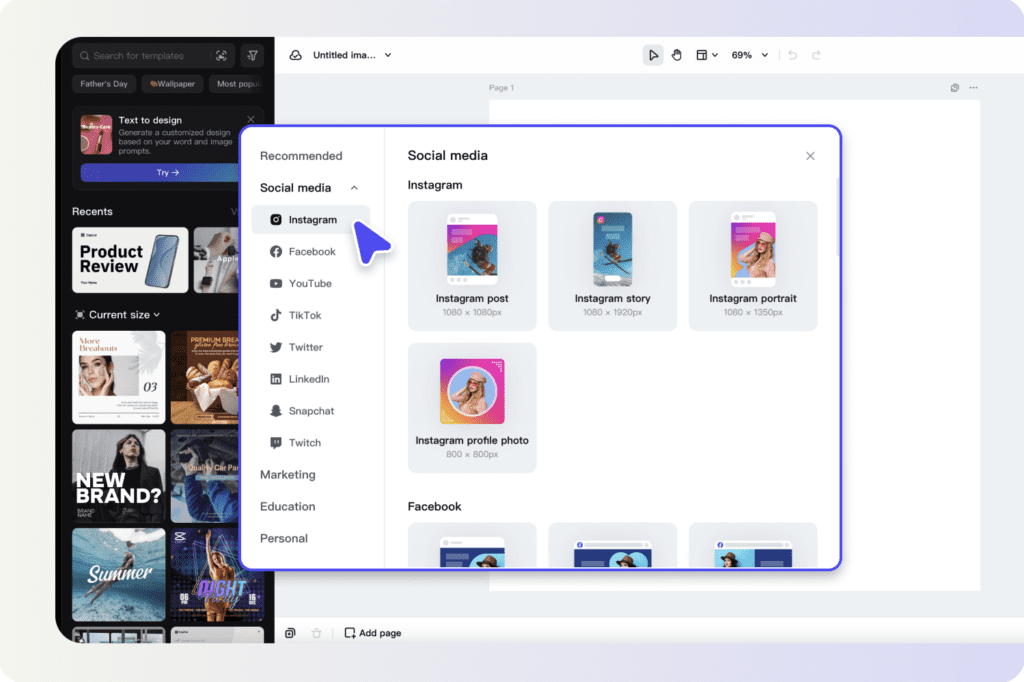
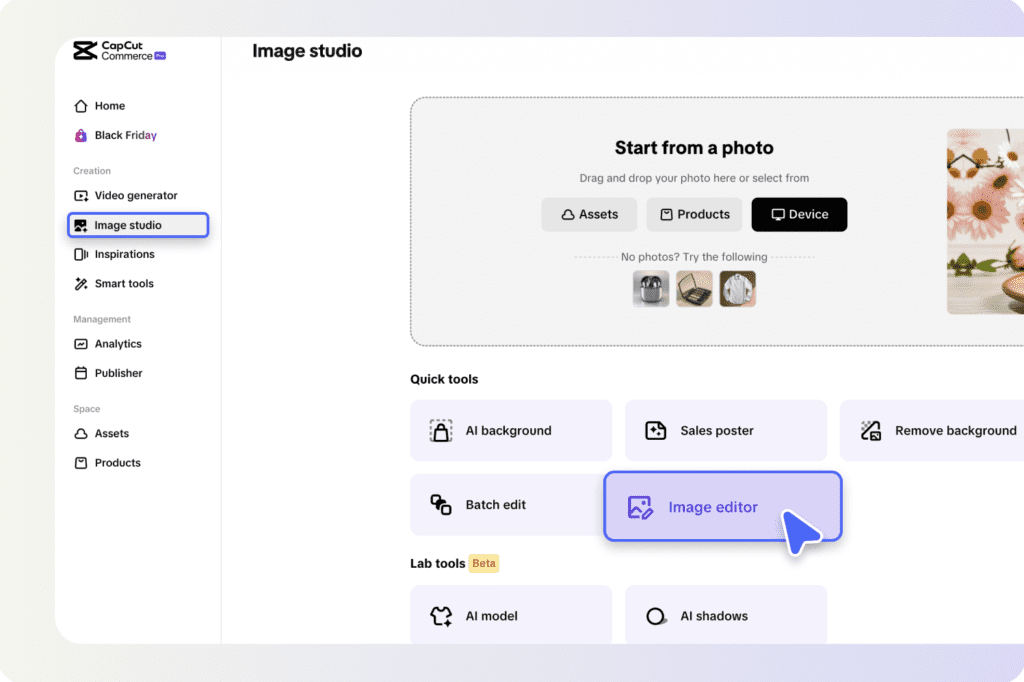
One of the most common challenges creators face is adjusting content without compromising clarity. Whether you’re resizing for feed posts, stories, or reels, understanding the ideal dimensions will help you create a seamless and engaging visual experience. That’s where tools like Instagram resize features come in handy, allowing you to effortlessly adjust images and videos without distorting their quality. Instagram offers multiple post formats, each with its own aspect ratio and resolution requirements. Using the correct dimensions ensures your content appears as intended without awkward cropping or pixelation.
- Square Posts (1:1): The classic Instagram format, best at 1080 x 1080 pixels. This maintains quality while ensuring posts look balanced in the feed.
- Portrait Posts (4:5): A great option for mobile users, recommended at 1080 x 1350 pixels to maximize vertical screen space.
- Landscape Posts (1.91:1): Ideal for widescreen images, with a recommended size of 1080 x 608 pixels.
- Stories and Reels (9:16): Full-screen vertical content should be 1080 x 1920 pixels for a crisp, high-quality display.
- Profile Picture: The perfect size is 320 x 320 pixels, but since Instagram crops profile photos into a circle, make sure important elements remain centered.
How to Resize Images Without Losing Quality?
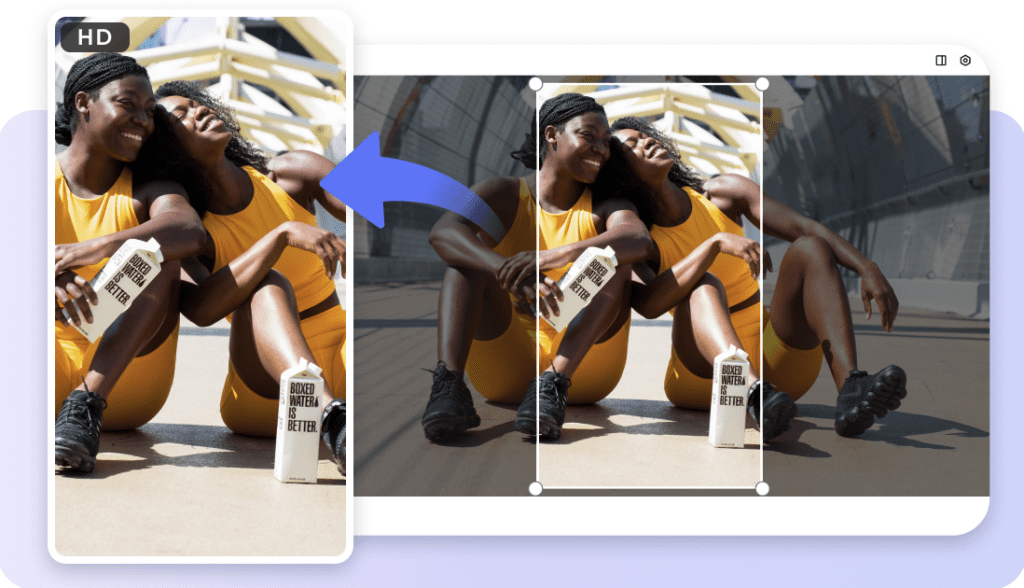
Resizing images and videos for Instagram isn’t just about adjusting dimensions—it’s about preserving clarity and avoiding pixelation. Here’s how to do it properly:- Maintain high resolution: Always start with high-quality images or videos to prevent loss of detail during resizing.
- Use the right tools: AI-powered editors ensure precision without stretching or distorting visuals.
- Avoid excessive compression: Instagram compresses files to reduce loading times, so optimizing before uploading helps maintain sharpness.
- Manually adjust framing: Cropping strategically ensures that key elements remain in focus, rather than being awkwardly cut off.
Creating a Consistent and Aesthetic Layout
A cohesive Instagram feed isn’t just about posting great individual images—it’s about creating a visually harmonious experience. This requires careful planning and consistent formatting.- Establish a theme: Whether you prefer a minimalistic, colorful, or editorial look, sticking to a style helps create an identity.
- Use uniform aspect ratios: Maintaining the same dimensions across posts ensures a balanced, professional-looking feed.
- Plan your layout strategically: Tools like Instagram preview planners allow you to arrange posts before publishing, helping you visualize the overall aesthetic.
Best Practices for Full-Screen Content
Full-screen formats, such as stories and reels, require careful composition to ensure your message is clear and engaging. Here’s how to optimize for vertical content:- Keep important elements within the visible area: Text, faces, and key visuals should remain within Instagram’s safe zones to avoid being cut off.
- Use vertical-friendly layouts: Since users typically hold their phones upright, full-screen videos should be designed with a mobile-first approach.
- Optimize horizontal content: If you’re repurposing widescreen footage, use resizing tools to adapt it without stretching or distorting.
Tools That Simplify the Resizing Process
Manually resizing content can be time-consuming, but technology makes the process effortless. AI-powered tools offer automatic resizing, ensuring content fits perfectly across different formats.
- AI-based auto-resizing: Smart tools detect the ideal dimensions and adjust content accordingly.
- Batch resizing for efficiency: Resizing multiple images and videos at once saves time, especially for businesses and creators posting frequently.
- Preserving image quality: Advanced tools prevent pixelation and distortion, maintaining professional standards.
Common Mistakes to Avoid
Even with the best tools, mistakes can still happen. Here are some common pitfalls and how to avoid them:- Stretching or cropping incorrectly: Manually resizing images without maintaining aspect ratios can make them look distorted or unprofessional.
- Ignoring Instagram’s compression: Uploading excessively large files can lead to automatic compression, reducing quality.
- Placing text and elements outside safe zones: Overlapping graphics with Instagram’s interface elements (like profile icons and captions) can make them hard to read.