
Review 1Watch on YouTube
Sidekick AI
Automate task scheduling, navigate websites, and customize functionality with keyboard shortcuts and personalized settings.
About Sidekick AI
SideKick AI is a powerful Chrome extension that helps users boost their productivity and efficiency. Once installed and an OpenAI API key is plugged in, users can unleash SideKick AI’s full potential with two simple commands: $sidekick followed by text and the ALT key to perform a range of actions, such as tweeting about positive energy and $rescue followed by enter and ALT key to execute commands. It’s fully customizable, so you can use it on any website, and with the help of AI and natural language processing, you can get the most out of your work sessions. Plus, SideKick AI is designed to be simple and intuitive, making it easy for anyone to set up and use. Whether you’re a student or a professional, SideKick AI is the perfect tool to help you stay organized and productive.
Video Reviews
Review 2Watch on YouTube
User Reviews
No reviews yet. Be the first to review Sidekick AI.
Other tools in Productivity
Notes.ai
$0/mo
5.0(1)
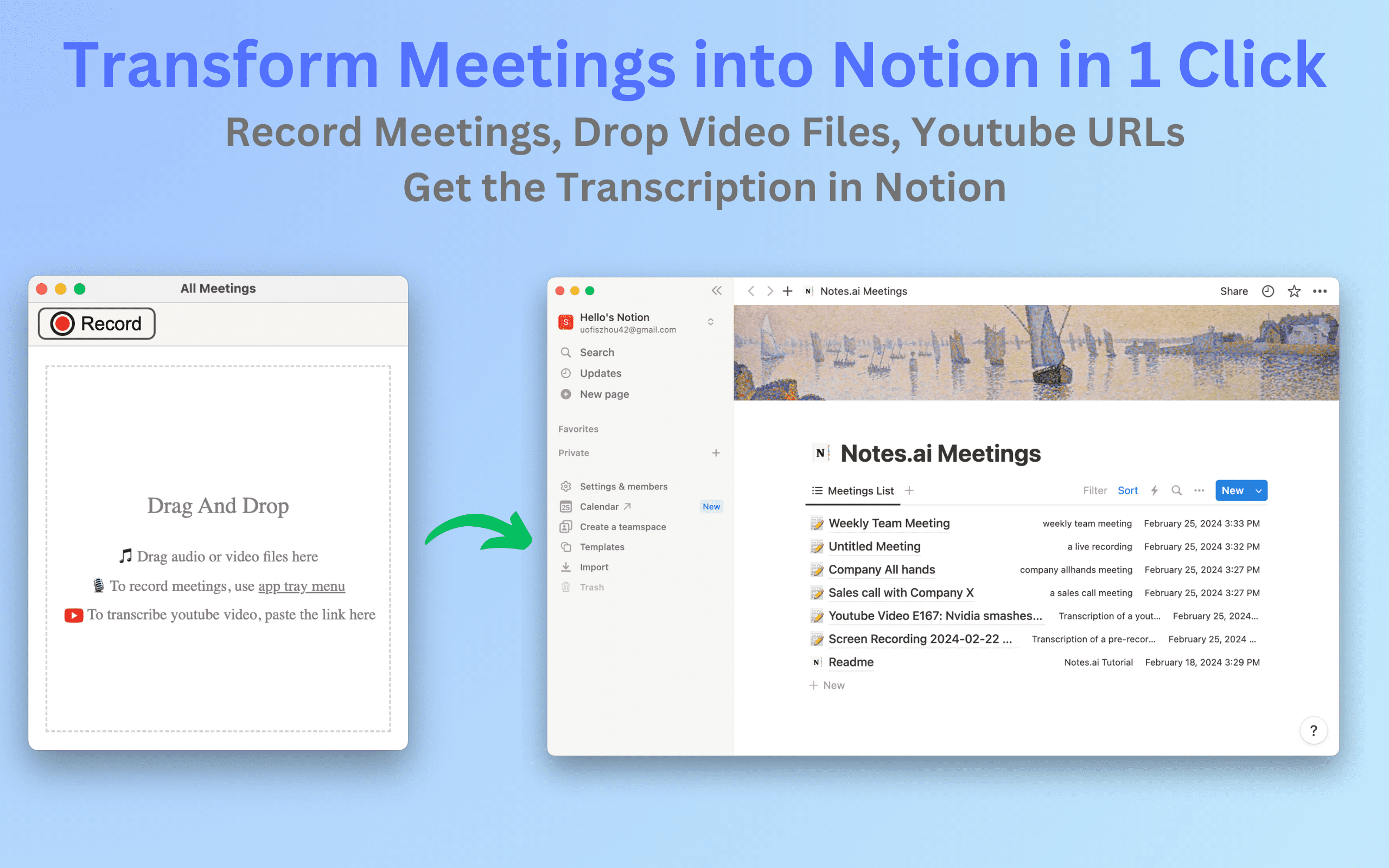
Notes.ai is a meetings transcription mac app that can record live meetings, ingest video files and youtube videos and transcribe them into user's Notion workspace for easy organization and access.
ProductivityBusiness & Productivity+1

TubeOnAI
$14.99/mo
5.0(1)
Summarize & Listen any YouTube & Podcasts in 30 Seconds.
ProductivityBusiness & Productivity+1
Microsoft Flow
Contact for pricing
5.0(1)
Automate tasks, create workflows between applications, and track/update existing workflows for increased productivity.
ProductivityBusiness & Productivity

Atomic Habits GPT
Free
5.0(1)
Automate habit building, set goals, and track progress with Notion Mockup.
ProductivityBusiness & Productivity