
How to Choose an NSFW AI Video Generator: 10 Things to Check Before You Pay
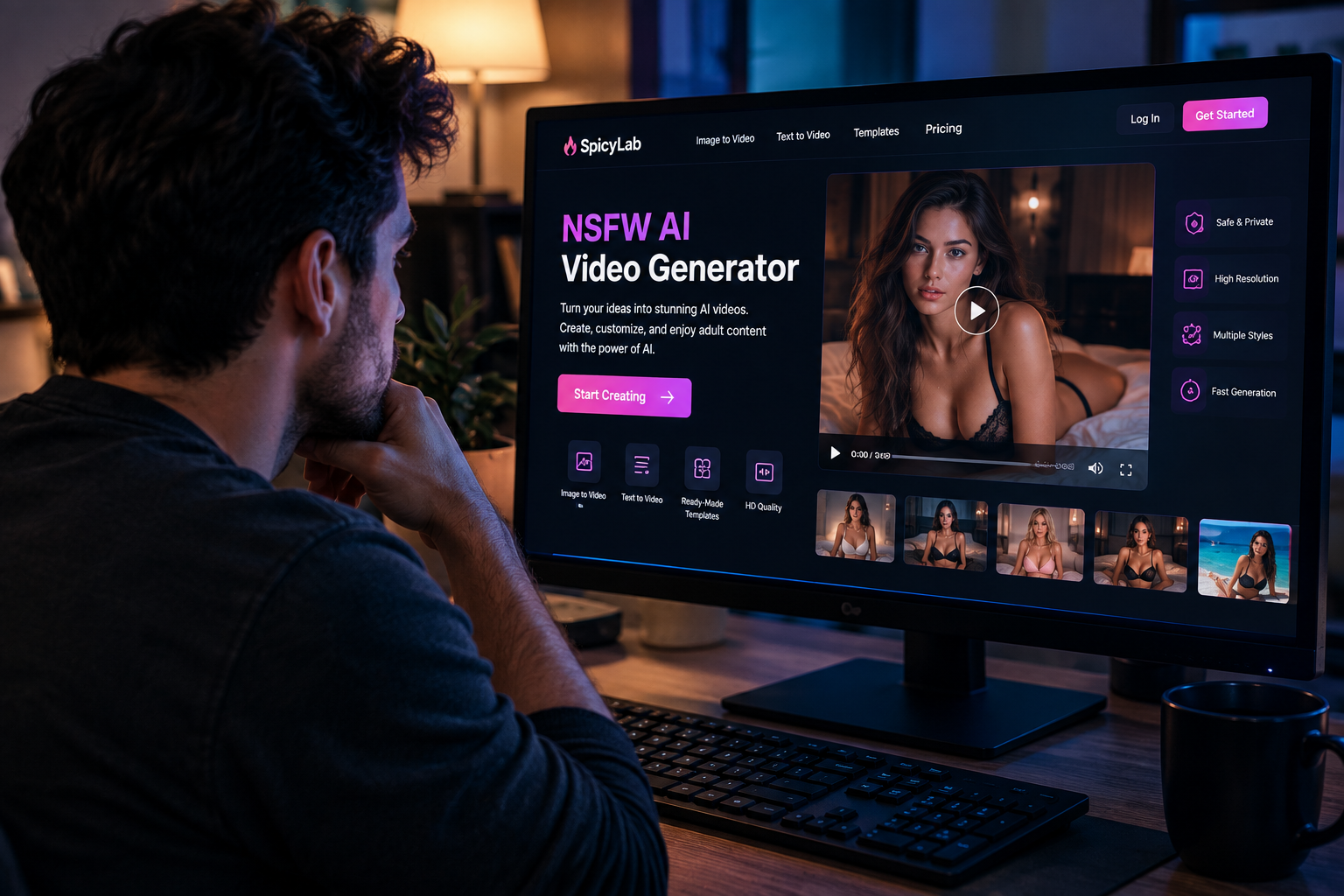
NSFW AI video generators have advanced quickly.
What used to be largely a static-image category is expanding into image-to-video, text-to-video, motion templates and increasingly sophisticated video-generation workflows. But the growing number of tools creates a new problem: how do you know which NSFW AI video generator is actually worth paying for?
A polished landing page doesn't necessarily tell you how well the generator performs. Two platforms can advertise similar capabilities while producing very different results once you start generating.
There are also practical questions that are easy to overlook until after you've paid. How many generations does your subscription really buy? Can you start with an existing image? How much control do you have over motion? What happens to images you upload? What content is prohibited?
Instead of choosing a platform based on screenshots or a long feature list, evaluate how the tool fits the way you actually intend to create. To build a shortlist, browse visual-generation profiles in the NSFW AI Tools directory, then confirm video support, pricing, and upload rules with each provider.
Here are 10 things worth checking before paying for an NSFW AI video generator.
The Bottom Line Up Front
If you don't want to read the entire guide, start here.
A good NSFW AI video generator should offer more than attractive example videos. Look at:
The generation workflow — image-to-video, text-to-video or both.
Actual video quality — especially motion and consistency between frames.
Control over the output — prompts, motion, effects and other settings.
Source-image requirements — what works and what gets rejected.
Generation speed — particularly if you intend to create multiple variations.
Resolution and export options — not just the quality of preview examples.
Privacy and uploaded-content handling — especially for sensitive material.
Content and consent policies — including rules around identifiable people.
Pricing and credits — calculate what you actually get per generation.
Free testing options — whenever possible, test before committing.
The "best" generator isn't necessarily the platform with the longest feature list. It's the one that performs well on the factors that matter for your particular workflow.
Let's look at each one.
Start With the Type of AI Video Generator You Actually Need
This is the first distinction to understand because not every AI video generator works the same way.
The two major workflows are text-to-video and image-to-video.
Text-to-video
You describe what you want, and the model attempts to generate the scene from that description.
The basic workflow is:
Text prompt → AI generation → Video
Text-to-video gives you considerable creative freedom because you don't necessarily need an existing visual.
The trade-off is control.
The more information the AI has to invent—from appearance and composition to movement and camera behavior—the more opportunities there are for the result to diverge from what you imagined.
Image-to-video
Image-to-video starts from an existing visual.
The workflow becomes:
Source image → Motion/instructions → AI-generated video
Instead of asking the model to create everything from scratch, you're providing a visual reference for the starting frame.
That can make image-to-video particularly useful when you already have a character, composition or AI-generated image that you want to animate.
Which should you choose?
Neither workflow is automatically better.
If you're experimenting with ideas from scratch, text-to-video can provide greater freedom.
If you already have the visual you want and your goal is to animate it, image-to-video may offer a more predictable starting point.
Platforms are increasingly combining these approaches. For example, SpicyLab is an adult-focused AI generation platform built around AI image and video creation, including image-to-video workflows and ready-made motion templates.
That type of combined workflow can be useful if you don't want to switch between several unrelated tools during the creation process.
Before subscribing anywhere, ask one simple question:
What am I normally going to start with—a prompt or an image?
Your answer can eliminate a lot of unsuitable tools immediately.
Don't Judge Video Quality From a Single Demo
Almost every AI generator can show you an impressive result.
That doesn't mean every generation looks like that.
AI video is fundamentally more difficult than static image generation because the model needs to maintain visual coherence across time.
Imagine generating a single image.
If a character's face looks correct, the job is done.
Now imagine generating dozens of sequential frames. The face has to remain recognizable while the subject moves, the camera changes, lighting shifts and previously hidden parts of the scene become visible.
This is where artifacts can become obvious.
When testing an NSFW AI video generator, look closely at:
facial consistency;
body and object consistency;
hands and limbs;
unnatural morphing;
background movement;
camera stability;
flickering;
texture changes;
transitions between frames;
whether the subject remains recognizable.
Don't just ask:
"Does this video look good?"
Ask:
"Does it remain visually consistent from beginning to end?"
A five-second clip with coherent motion is often more useful than a longer video that falls apart halfway through.
And don't evaluate the service from one successful generation. Run several comparable prompts or source images.
Consistency across multiple attempts tells you much more than the platform's best showcase example.
Check How Much Control You Have Over Motion
One of the biggest differences between basic and more useful AI video generators is control.
Some tools effectively give you a Generate button.
Others let you influence what happens.
Depending on the platform, controls might include:
motion descriptions;
camera instructions;
predefined movements;
generation templates;
prompt strength;
duration;
aspect ratio;
seed or variation controls;
negative prompting;
reference images;
output resolution.
More controls aren't automatically better. A complicated interface can actually make a tool harder to use.
What matters is whether the available controls correspond to decisions you genuinely want to make.
Templates vs prompting
Templates can be particularly useful for people who don't want to engineer a detailed motion prompt every time.
Instead of describing a sequence from scratch, you select a predefined motion or effect and apply it to the source image.
Prompt-based generation gives you more freedom but often requires experimentation.
Neither approach is universally superior.
An ideal workflow may offer both:
Templates for speed. Prompts for customization.
When testing a platform, try creating the same basic concept several different ways. If every output feels random regardless of your instructions, the tool may not provide enough control for regular use.
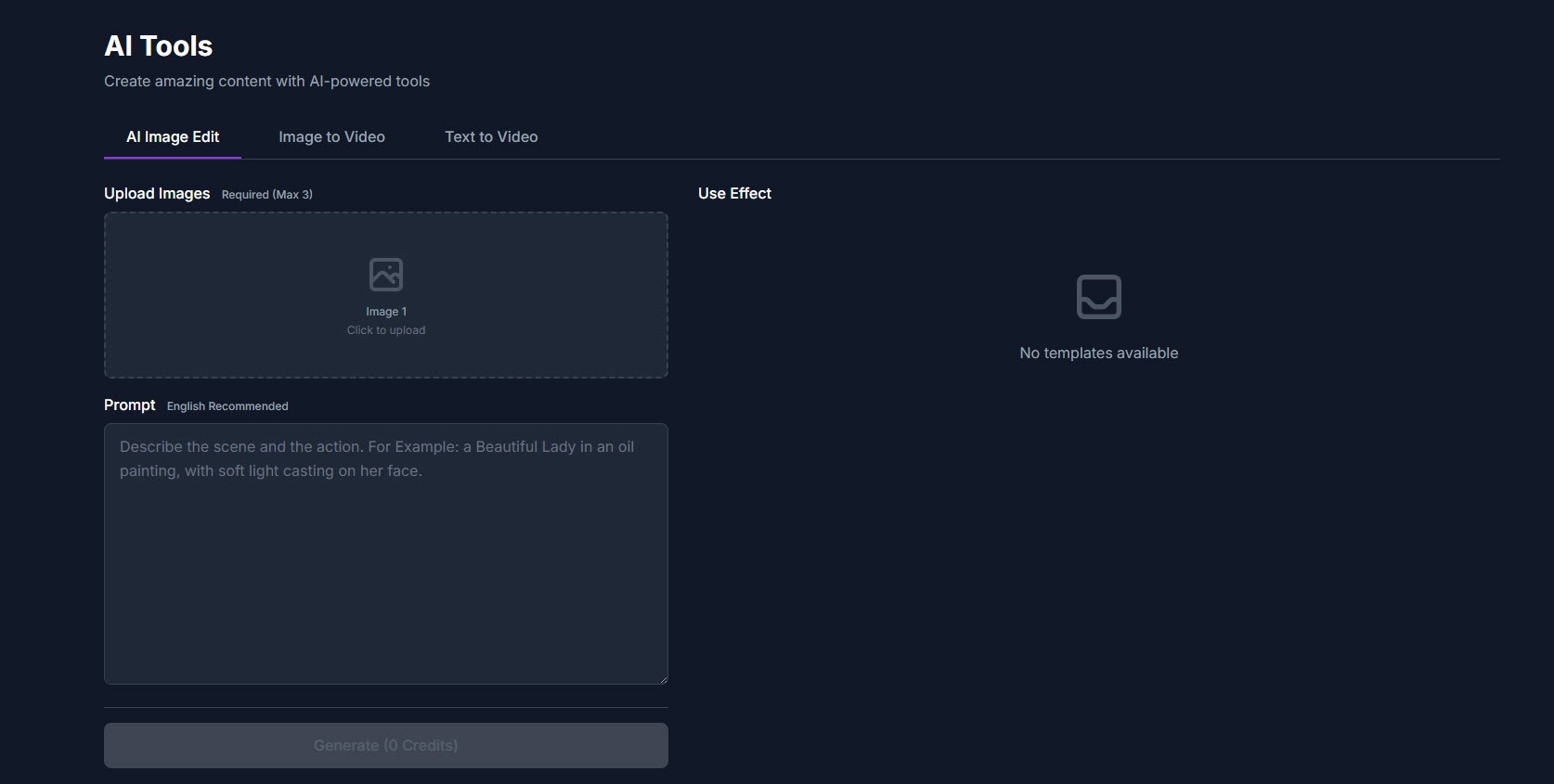
Test Your Source Images, Not Just Theirs
This is particularly important for image-to-video generators.
A platform's examples have usually been selected because they work.
Your images haven't.
AI video models can respond very differently depending on the source image.
Important factors include:
image resolution;
subject positioning;
lighting;
cropping;
visual complexity;
background detail;
number of subjects;
whether important features are already visible;
unusual perspectives.
A clear source image generally gives the model more useful information than a low-resolution or heavily obstructed one.
But even a technically high-quality image isn't guaranteed to animate well.
Run a small source-image test
Before paying for a large plan, try three types of input:
Image A: clean subject and simple background.
Image B: more complex composition.
Image C: representative of the images you actually intend to use regularly.
The third test matters most.
A generator that performs beautifully on curated demonstration material but poorly with your normal inputs isn't a good tool for you.
Generation Speed Matters More Than You Think
Waiting three minutes for one AI video might not sound particularly bad.
Until you need 20 attempts.
AI generation is iterative by nature. Your first output may be usable, but frequently you'll want to adjust something and regenerate.
Suppose one generation takes four minutes and you make 15 attempts.
That's potentially an hour spent waiting.
Speed therefore affects the creative workflow, not just convenience.
When testing a service, pay attention to:
average generation time;
queue times during busy periods;
whether paid users receive priority;
whether multiple generations can run simultaneously;
whether failed generations consume credits;
whether you can continue working while a generation processes.
Don't assume advertised generation times represent peak traffic conditions either.
If speed matters to you, test the service at different times before buying a long-term subscription.
Look Beyond "HD" and Check the Actual Output
Resolution numbers are easy to market.
Useful video quality is more complicated.
A high-resolution video with poor temporal consistency is still a poor video.
Conversely, a lower-resolution generation with coherent motion can sometimes be more useful because it provides a stronger base for subsequent editing or processing.
When evaluating output, consider:
Resolution: What dimensions are actually exported?
Duration: How long can generated clips be?
Frame consistency: Does quality remain stable throughout the video?
Compression: Does the downloaded file look noticeably worse than the preview?
Aspect ratio: Can you generate for portrait, landscape and square formats?
Watermarks: Are free or lower-tier outputs watermarked?
Download rights: Can generated content actually be exported under your plan?
The important distinction is between technical resolution and perceived quality.
More pixels cannot repair incoherent movement.
Read the Privacy Policy Before Uploading Anything Sensitive
Privacy deserves more attention with NSFW AI than it gets.
An image-to-video service requires you to send an image somewhere for processing. That immediately creates several questions:
Where is the upload stored?
How long is it retained?
Is generated content private by default?
Can uploads be used to improve or train models?
Can you delete generated content?
What happens when you delete your account?
Does the platform share information with third-party processors?
Don't assume "private generation" automatically means the service deletes the underlying files immediately.
Check the platform's privacy policy and terms rather than relying on marketing language.
And minimize unnecessary personal information regardless of which generator you choose.
If an image doesn't need identifying metadata, remove it. If a platform doesn't need your real name, don't provide more personal information than necessary.
The sensitivity of adult content makes ordinary privacy hygiene considerably more important.
Check Consent, Real-Person and Content Policies
"NSFW allowed" does not mean "anything goes."
This distinction is increasingly important.
There is a fundamental difference between generating fictional adult material and creating sexualized synthetic media involving an identifiable real person without a lawful basis or consent.
Privacy regulators are paying increasing attention to that distinction. In February 2026, 61 data-protection authorities issued a joint statement concerning AI-generated images and videos, highlighting risks involving non-consensual intimate imagery, identifiable individuals and children.
More recently, the Philippines' National Privacy Commission emphasized that a person's face and likeness can constitute personal information and that using a real person's likeness in synthetic media may involve processing personal data subject to applicable law.
This isn't just theoretical. Canada's privacy regulator published findings in June 2026 concerning the generation of explicit sexualized deepfakes of identifiable individuals and found that valid consent had not been obtained in the circumstances it investigated.
So before choosing a generator, read its moderation rules.
Look specifically for policies addressing:
minors and age restrictions;
CSAM;
non-consensual intimate imagery;
identifiable real people;
harassment;
illegal content;
uploaded third-party material;
reporting and removal procedures.
A responsible adult AI platform should clearly explain what is prohibited rather than treating "uncensored" as a substitute for having rules.
SpicyLab, for example, publishes a content moderation policy that prohibits illegal content and material sexualizing minors.
The exact rules vary between platforms and jurisdictions, so read them before uploading content—not after an account gets suspended.
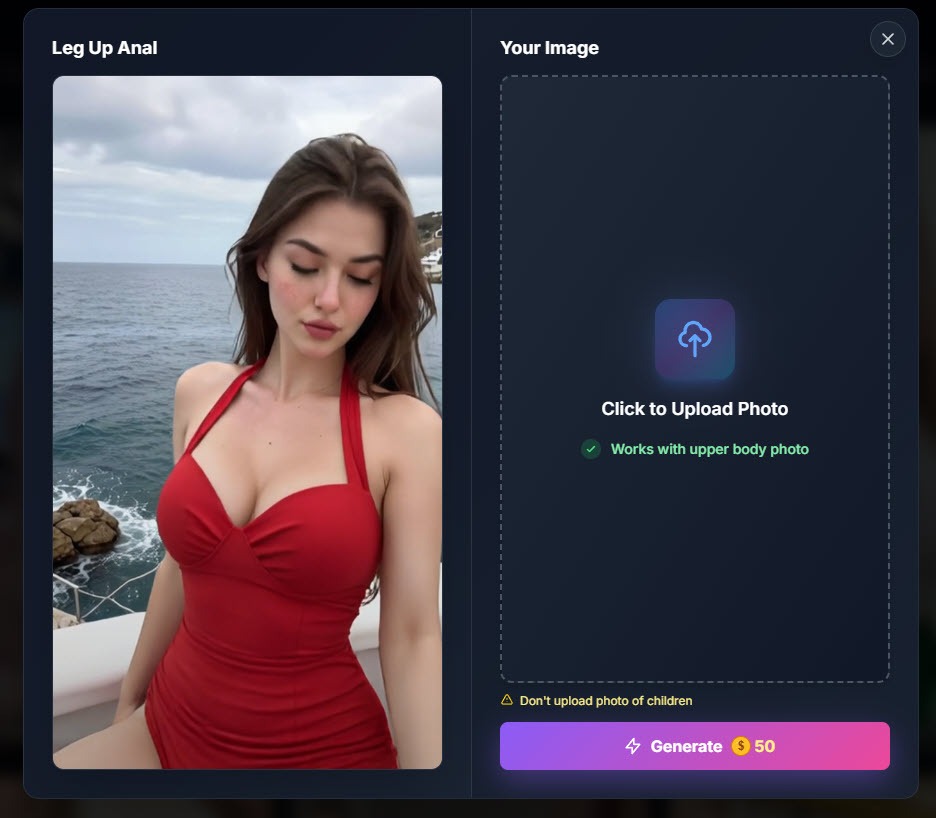
Calculate the Real Price Per Generation
A $10 plan isn't necessarily cheaper than a $30 plan.
You need to know what you're buying.
AI platforms commonly price access using:
monthly generation limits;
credits;
tokens;
pay-per-generation systems;
subscription tiers;
combinations of subscriptions and additional credits.
The advertised monthly price tells you very little without understanding how those limits work.
Calculate your effective cost
Suppose:
Platform A: $15/month for approximately 30 usable generations.
Platform B: $25/month for approximately 100 comparable generations.
The headline price makes Platform A look cheaper.
Approximate cost per generation tells a different story:
Platform A: $0.50
Platform B: $0.25
But even that calculation isn't enough.
You also need to ask:
Does video length affect credit usage?
Does higher resolution cost more?
Are image-to-video and text-to-video priced differently?
Do failed generations consume credits?
Do unused credits roll over?
Are templates included?
Can you buy extra credits without upgrading?
Does the subscription renew automatically?
Is there an annual commitment?
What is the refund policy?
Then consider how often you'll need to regenerate.
If it routinely takes five attempts to produce one video you're happy with, your cost per usable result matters more than cost per generation.
That's the number worth comparing.
Test Before You Commit
This final rule can save you the most money.
Don't buy an annual plan for an AI video generator you've never used.
Video generation is too subjective.
Reviews and examples can help narrow your options, but they can't tell you exactly how a model will respond to your images, your prompts and your expectations.
If a platform offers free generations, trial credits or a short-term plan, use them.
Create a simple test.
The Five-Generation Test
Generate five videos representing what you'd realistically create after subscribing.
Then score each one from 1–5 for:
Category | What to Evaluate |
Visual quality | Does the result look convincing overall? |
Motion | Does movement look coherent? |
Consistency | Does the subject remain visually stable? |
Control | Did the generator follow your instructions? |
Speed | Was the wait reasonable? |
Ease of use | Could you repeat the workflow comfortably? |
Don't score the best result.
Score all five and calculate the average.
This prevents one lucky generation from shaping your entire impression of the service.
If only one of five generations is usable, a cheap subscription can become expensive quickly.
A Simple NSFW AI Video Generator Checklist
Before entering your card details, run through this list.
Generation
Does it support image-to-video?
Does it support text-to-video?
Can you control motion?
Are templates available?
Are different aspect ratios supported?
Quality
Are faces consistent?
Is movement coherent?
Does the background remain stable?
Are exports high enough quality for your intended use?
Cost
How many videos can you realistically generate?
How are credits calculated?
Do failed generations cost credits?
What does one usable result actually cost?
Privacy
How are uploaded images handled?
How long are files retained?
Can you delete your content?
Are generations private?
Is there a clear privacy policy?
Safety
Are users required to be adults?
Are minors explicitly prohibited?
Does the platform address non-consensual material?
Are real-person likenesses covered by its rules?
Is there a moderation/reporting process?
If you can't answer several of these questions after reading a platform's website, that's information in itself.
Red Flags to Watch For
There are also some warning signs worth recognizing.
Be cautious if a platform:
makes extraordinary quality claims but provides few realistic examples;
doesn't explain how credits are consumed;
hides subscription renewal information;
has no accessible privacy policy;
doesn't publish content rules;
makes it difficult to understand cancellation;
promises completely unlimited generation without explaining limitations;
provides no information about uploaded-image handling;
encourages non-consensual use involving identifiable people.
One red flag doesn't automatically mean a platform is unusable.
Several together should make you think carefully before giving it your payment information or uploading sensitive material.
So, What's the Best NSFW AI Video Generator?
There isn't a universal winner.
Someone who wants to animate existing AI images may prioritize image-to-video consistency and templates.
Someone creating ideas from scratch may care more about text-to-video prompting and creative flexibility.
A frequent user may prioritize generation cost and speed.
Someone experimenting occasionally may care more about free generations and ease of use.
That's why comparing feature counts alone doesn't work particularly well.
The better question is:
Which generator removes the most friction from the way I want to create?
Start with your preferred workflow. Test several representative generations. Examine motion rather than screenshots. Calculate the cost per usable result. Read the privacy and moderation policies. Only then compare subscription prices.
That approach takes a little longer than choosing whichever platform has the flashiest demo.
It can also save you from paying for an AI generator that looks impressive on its homepage but doesn't actually fit the way you create.
Frequently Asked Questions
What is an NSFW AI video generator?
An NSFW AI video generator is a generative AI tool capable of creating adult-oriented video content. Depending on the platform, generation may start from a text prompt, an existing image, a predefined template or a combination of these approaches.
What's the difference between image-to-video and text-to-video?
Image-to-video begins with an existing image and generates motion from that visual starting point. Text-to-video generates a scene primarily from written instructions. Image-to-video generally gives the model more information about the desired starting appearance, while text-to-video provides greater freedom to construct a scene from scratch.
Should I use an image-to-video generator for an existing AI image?
If preserving the general appearance and composition of an existing image is important, image-to-video is usually the more logical workflow to test first. Results still vary by model, source image and motion instructions.
Are NSFW AI generators private?
Don't assume they are. Privacy practices vary considerably between services. Read the provider's privacy policy to understand storage, retention, deletion, account settings and whether uploaded or generated material may be processed for additional purposes.
Can NSFW AI generators be used with photos of real people?
Technical capability and acceptable use are different questions. Identifiable people's images and likenesses can be subject to privacy, consent, intimate-image and other laws. Regulators have specifically raised concerns about non-consensual AI-generated intimate imagery. Check applicable law and the platform's policies, and don't create sexualized synthetic material involving an identifiable person without the required lawful basis or consent.
Is a paid NSFW AI video generator better than a free one?
Not automatically. Paid plans may provide more generations, higher output settings, faster queues or additional controls, but the result depends on the underlying model and implementation. Test the actual generation quality whenever possible before committing to a longer subscription.
What should I check first before paying?
Start with generation quality, workflow compatibility, privacy and effective cost per usable video. If the tool fails on any of those four areas, additional features probably won't compensate for it.
Final Thoughts
The NSFW AI video market is moving quickly, but faster development doesn't make choosing a platform easier.
It makes testing more important.
Don't choose based on the longest feature list. Don't assume a high-resolution label guarantees realistic motion. And don't compare subscriptions without calculating how many usable videos you're actually likely to get.
Start with these 10 questions:
Does it support the workflow I need? Is the motion consistent? Can I control the result? Does it work with my source images? Is it fast enough? Are the exports good enough? How does it handle my data? Does it have responsible content rules? What does each usable generation actually cost? Can I test it first?
If a platform answers those questions well, you've probably found something worth exploring.
If it doesn't, keep looking.