
Review 1Watch on YouTube

Instantly timestamp and summarize meeting highlights with AI-generated notes after your call.
About tl;dv
tl;dv transcribes, summarizes, and automatically marks key moments in your calls. Create highlight snippets out of AI summaries within seconds after your call. Works in 20+ languages.
In a matter of clicks, you can:
* Record Google Meet and Zoom calls automatically in top quality 🎥
* Receive a highly accurate transcript with speaker tags 💬
* Transcribe into 20+ languages 🌎
* Auto-generate AI notes powered by Chat-GPT & GPT-4 ✨
* Timestamp and highlight important call moments 📌
* Share links to recordings automatically to Slack and E-Mail 🔗
* Search your call library for keywords 🔍
* Integrate meeting insights into CRMs like Salesforce or Hubspot 💡
* Edit recordings & create clips 🎞
* Automate action items and takeaways ✔
* Tag stakeholders and colleagues at any point during call 🙋♀️
* Simplify meeting minutes 📝
Use Cases
- 1.Automatically timestamp and summarize key meeting moments.
- 2.Create highlight snippets out of AI summaries within seconds after your call.
- 3.Auto-generate AI meeting notes
Video Reviews
Review 2Watch on YouTube
User Reviews (5)
M
M Mi
September 21, 2023
4/5
User Satisfaction
4/5
Ease of Use
4/5
“Innovative Tool with Room for Improvement”
What do you like about tl;dv?
The user loves the concept of the product, particularly the annotation feature which proves to be a lifesaver while reviewing meetings. They also appreciate the accuracy of the Polish language transcription.
What did you dislike about tl;dv?
The user dislikes the inability to download or export the entire transcript even with a pro plan. They also have issues with long meeting recordings failing to upload occasionally.
A
Ali Mozafari
September 21, 2023
4/5
User Satisfaction
4/5
Ease of Use
5/5
“Revolution in Meeting Reviews”
What do you like about tl;dv?
The precision and convenience of meeting summaries and the annotation feature are what I love the most. They allow for easy review of important points from long meetings, and direct access to key parts.
What did you dislike about tl;dv?
I've encountered some issues with exporting the full transcript in the pro plan, and there are occasional problems with uploading and loading long videos
م
مجتبی نورزاد
September 20, 2023
4/5
User Satisfaction
4/5
Ease of Use
5/5
“The Ultimate Time Saver for Heavy Video Content Consumption”
What do you like about tl;dv?
What I like best is the tool's time-saving capability by helping recall key points from many meetings. The annotation feature is also particularly useful allowing selective revisiting of video sections. Also, the transcription capability is impressive as it works with languages other than English.
What did you dislike about tl;dv?
Some flaws include difficulties with long videos and lack of a feature allowing the exportation of the entire transcript.
B
Boji Lazov
September 20, 2023
5/5
User Satisfaction
5/5
Ease of Use
5/5
“A Game-Changer for Time Management!”
What do you like about tl;dv?
The ability to review video meetings concisely and the highlight and annotation feature that makes skimming through unnecessary details easy.
What did you dislike about tl;dv?
I dislike the minor hiccup concerning the export of entire transcripts in the pro plan and the few glitches some might experience during the video uploading process.
M
mojtaba
September 19, 2023
4/5
User Satisfaction
4/5
Ease of Use
4/5
“Efficient and Innovative Tool with Incredible Potential!”
What do you like about tl;dv?
I like best its functionality of providing an efficient way to catch up on video content. The summaries and highlights of videos save so much time and improve engagement radically.
What did you dislike about tl;dv?
There can be complications in uploading recordings, especially for lengthy ones.
Similar Tools in Summarizer
Wudpecker
Free
5.0(1)
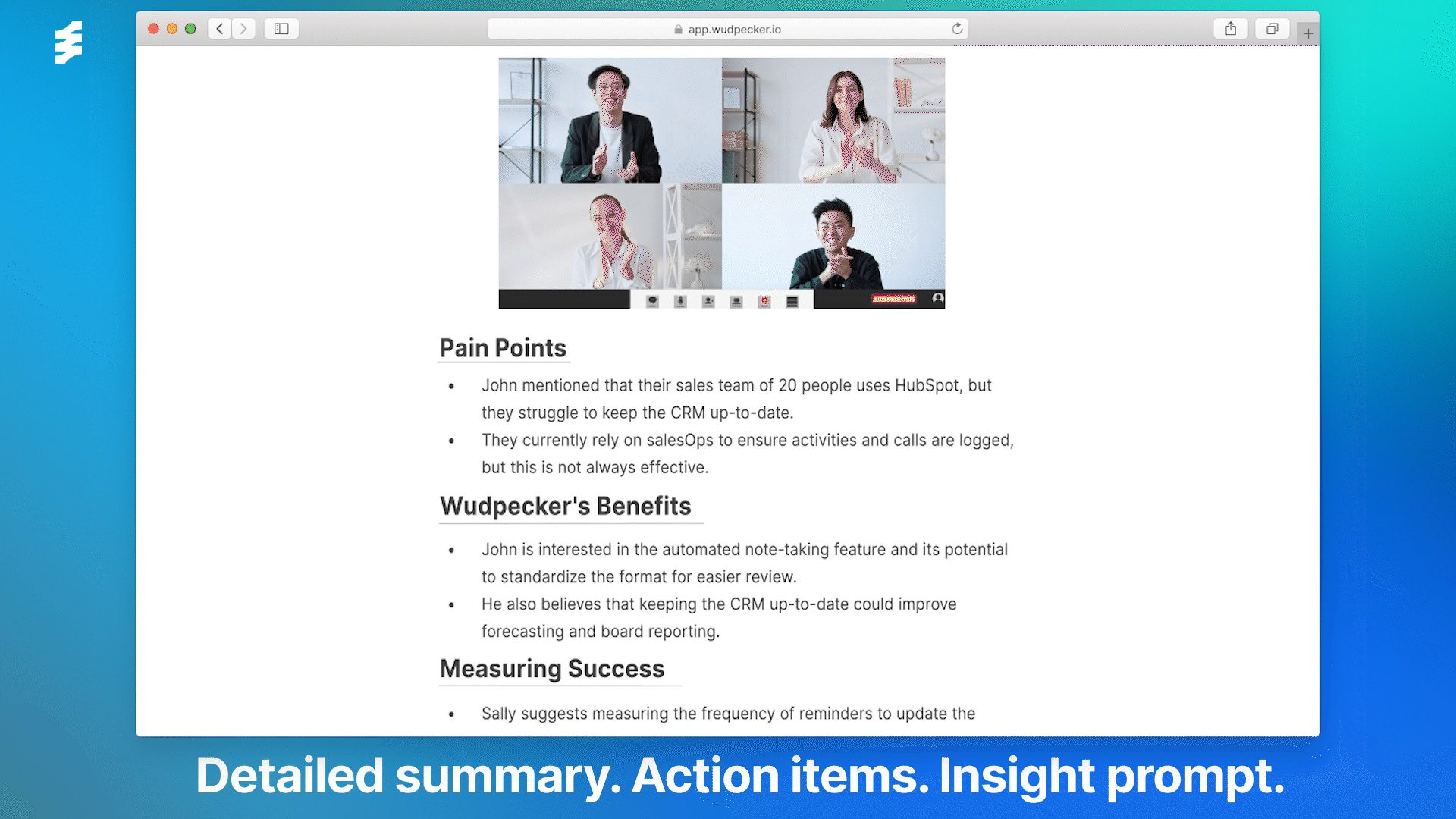
Ask, summarize and impress with meeting AI summaries and follow-up emails created in seconds.
SummarizerWriting & Content

Glarity
Free
5.0(1)
Find relevant search results, get summaries without reading entire pages, and filter with AI-powered 'Glarify' feature.
SummarizerWriting & Content

YouTube Summary with ChatGPT
Free
2.0(1)
Identify conversation topics, influencers, and export summaries easily.
SummarizerWriting & Content

Summarized.video
Free
Create chapter or full video summaries with accuracy using natural language processing and machine learning.
SummarizerWriting & Content