
Review 1Watch on YouTube

Photopea
Create logos, manipulate designs, and edit RAW files for professional photographers.
About Photopea
Photopea is an online image editor for all your design needs. It has powerful tools to help you create stunning visuals that will captivate your audience. With Photopea, you can edit photos, create vector graphics, and even design logos and other branding materials. It supports multiple file formats, including PSD, XCF, Sketch, and CDR, so you can easily import your existing designs and manipulate them to your needs. Plus, you can save your designs in any format, so you can quickly and easily share them with clients or colleagues. With Photopea, you can also open and edit RAW files, which is a great feature for professional photographers and graphic designers. With its intuitive user interface, you can easily navigate the various features and tools and create high-quality designs without any technical knowledge. Photopea is the perfect solution for anyone who needs to create stunning visuals quickly and efficiently.
Video Reviews
Review 2Watch on YouTube
User Reviews
No reviews yet. Be the first to review Photopea.
Similar Tools in Image Enhancer

Exposure X6 Photoshop Plugin
Contact for pricing
5.0(1)
Enhance colors, adjust shadows & highlights, and add creative effects like bokeh & flares effortlessly.
Image EnhancerDesign & Media
Pixelcut.ai
Contact for pricing
5.0(1)
Automatically enhance, personalize, and create stunning images with AI-powered tools and auto-correction.
Image EnhancerDesign & Media

Removal AI
Freemium
5.0(1)
Detect and remove offensive and undesired content with advanced filtering for maintaining content standards.
Image EnhancerDesign & Media
Creative Fabrica PNG to SVG Converter
Free tier available
4.0(1)
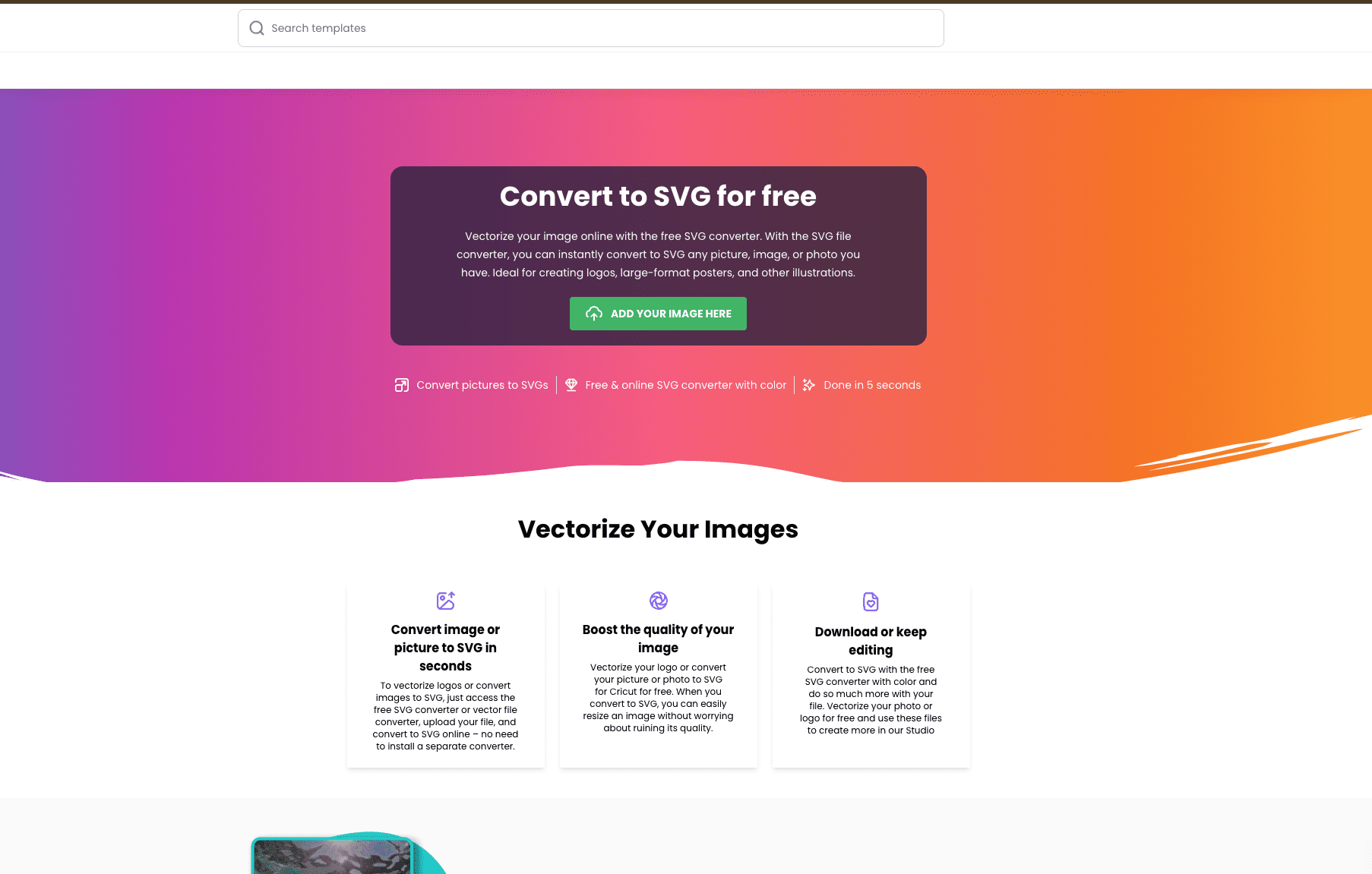
Creative Fabrica is a renowned platform celebrated for its commitment to fostering creativity and productivity among designers and hobbyists alike. One of its standout offerings is a free PNG to SVG converter to vectorize images available through its online studio.
Image EnhancerDesign & Media