
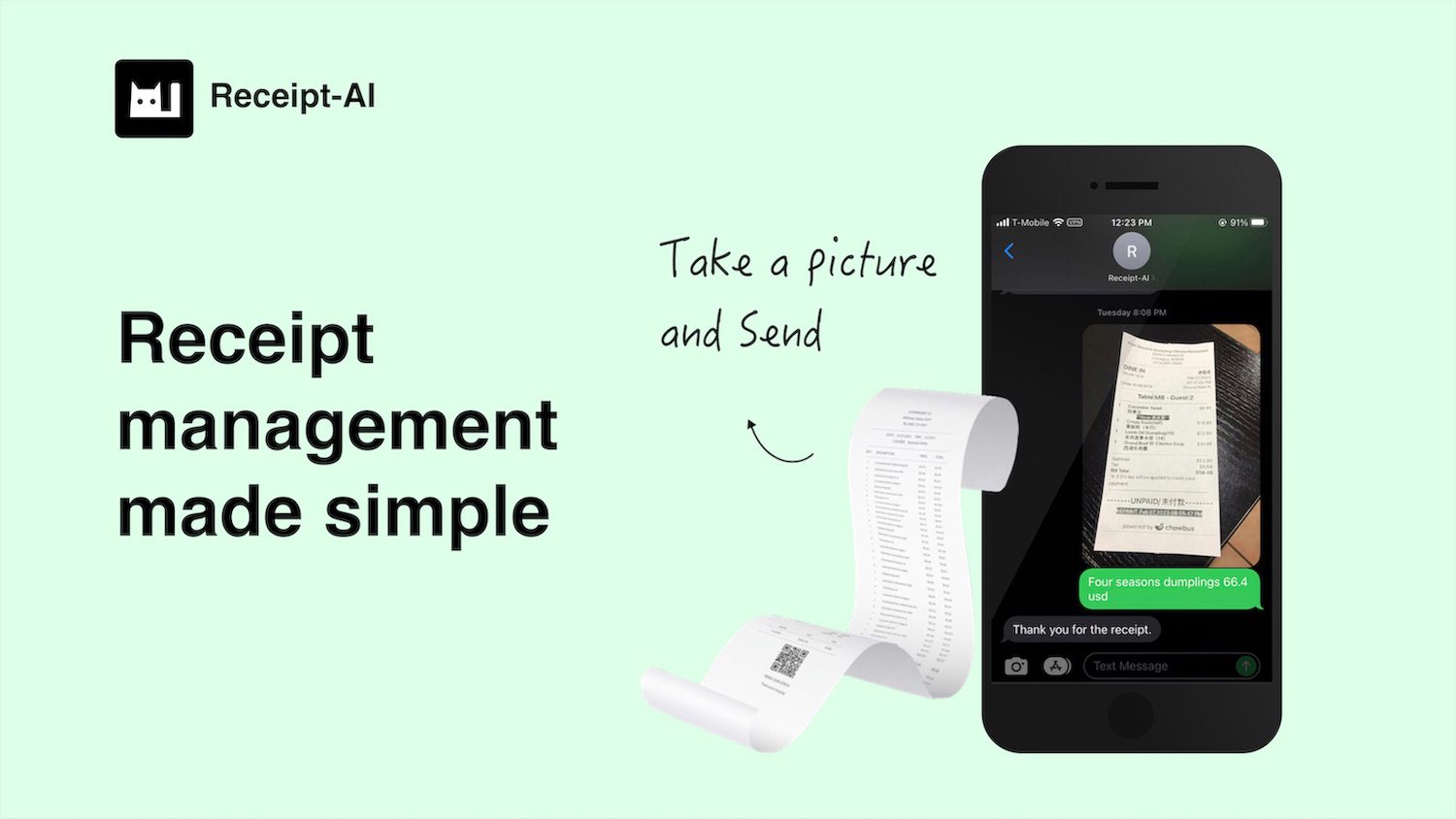
Receipt-AI
$20/mo
Automate receipt management, save time, store all receipts in one place, and seamlessly integrate with Xero.
File Management SystemTech & Development+1
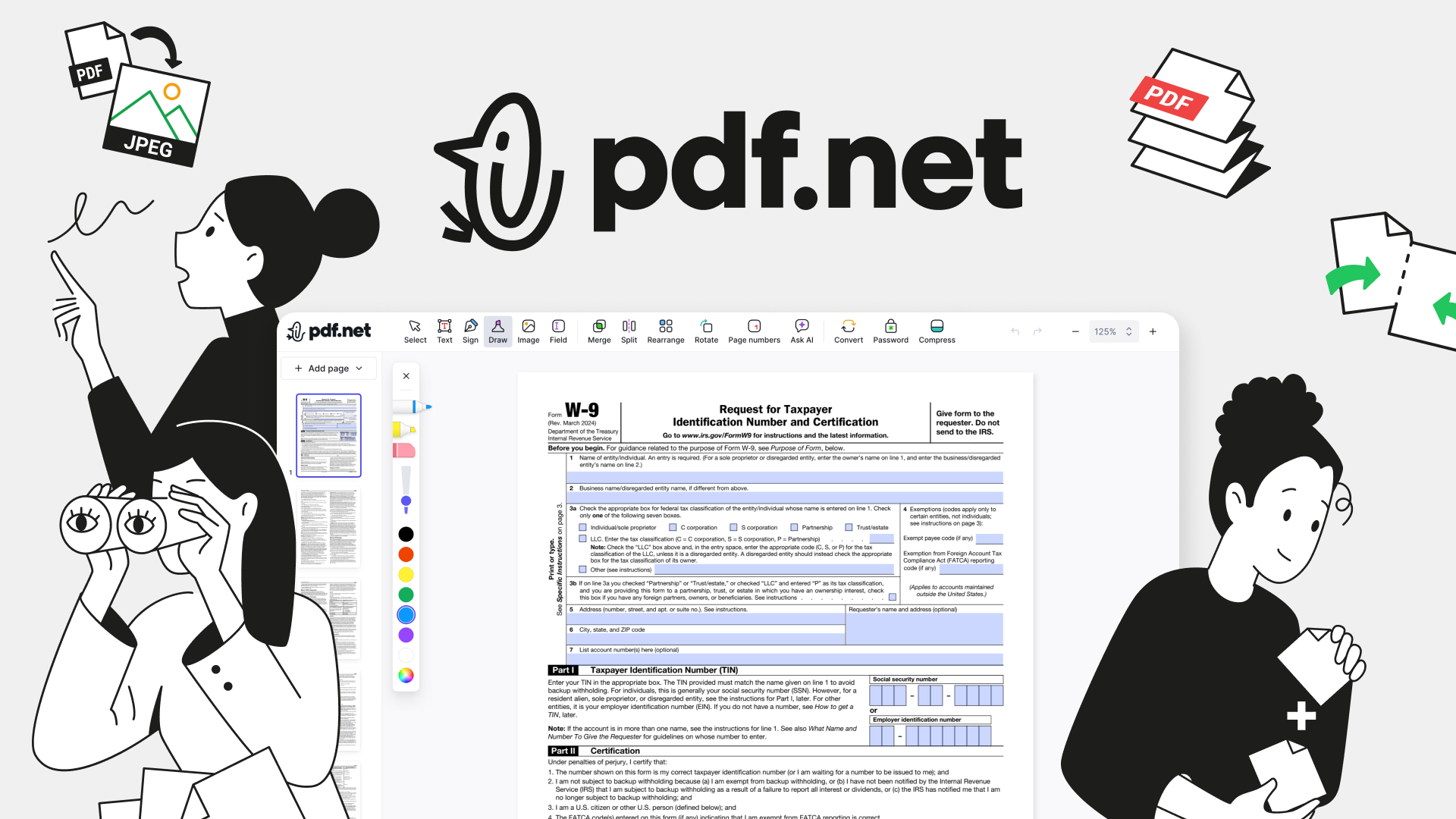
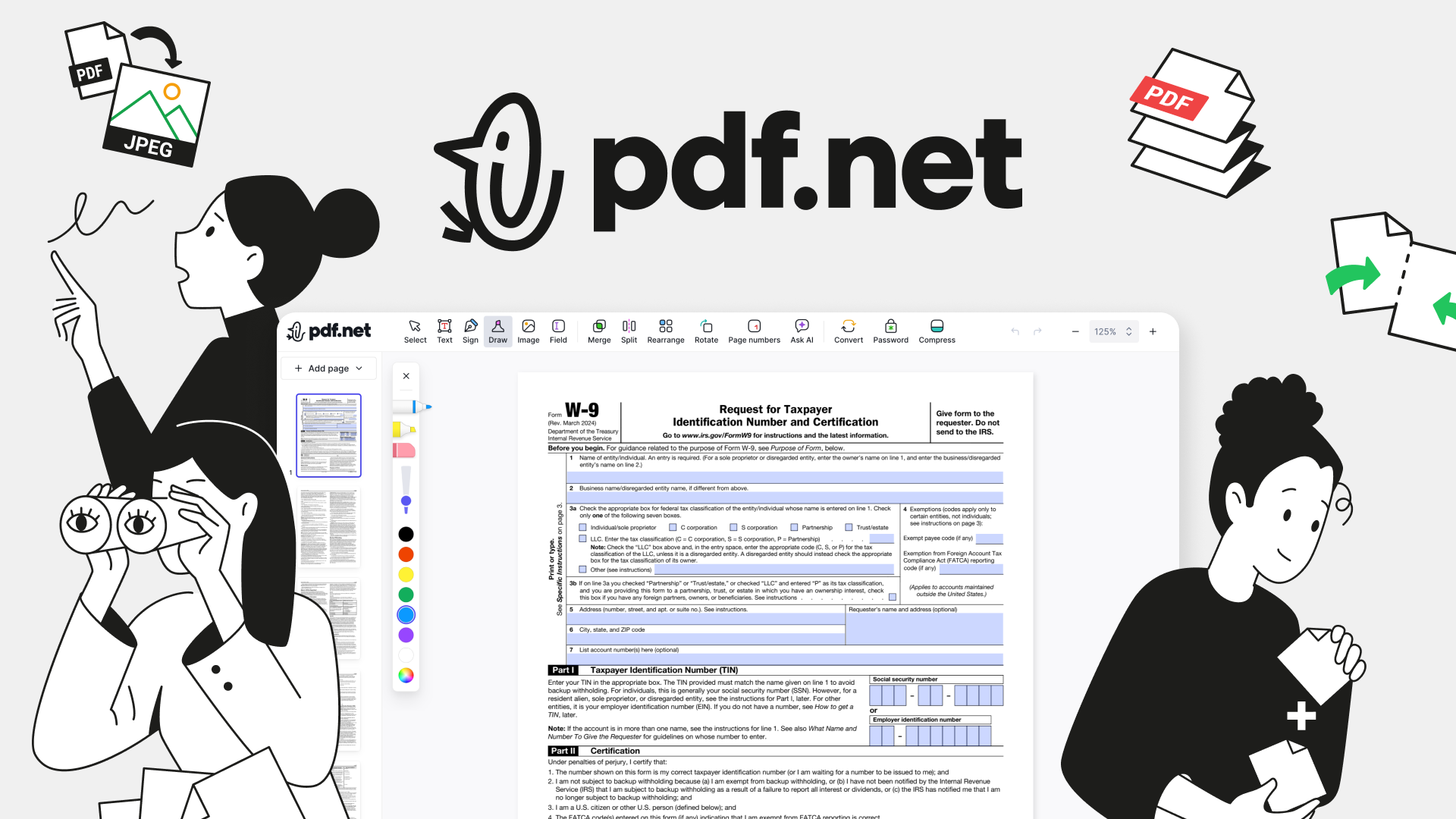
An all-in-one PDF editor in your browser. Handles editing, signing, converting, merging, compressing, and sharing, with AI that fills forms, chats with documents, and creates PDFs.
pdf.net is an online, all-in-one PDF editor for editing, signing, annotating, organizing, converting, protecting, and sharing documents without installing an app. It supports PDF, DOC, DOCX, PPT, PPTX, JPG, PNG, HEIC, and MD files, and states that files stay private.
Edit PDF text, add text and images, annotate documents, and sign by typing, drawing, or uploading a signature.
Combines PDF editing, page management, file conversion, signing, sharing, and AI tools in one browser-based workspace.
Requires no installation and works on any device.
Fills out forms with AI using your source documents, so you skip the manual copy-paste work.
Connects your document library to ChatGPT and Claude so you can work on your PDFs directly in the chat.
Supports a broad range of input file types, including office documents, images, HEIC, and Markdown.
No reviews yet. Be the first to review pdf.net.
$20/mo
Automate receipt management, save time, store all receipts in one place, and seamlessly integrate with Xero.
Contact for pricing
Store, share large files easily; access them from any device; 24/7 customer support for inquiries and issues.
Contact for pricing
Browse history search tool, filter by date & URL, private & secure.

Free tier available
Create precise 3D models, collaborate on designs, and analyze simulations in real-time.