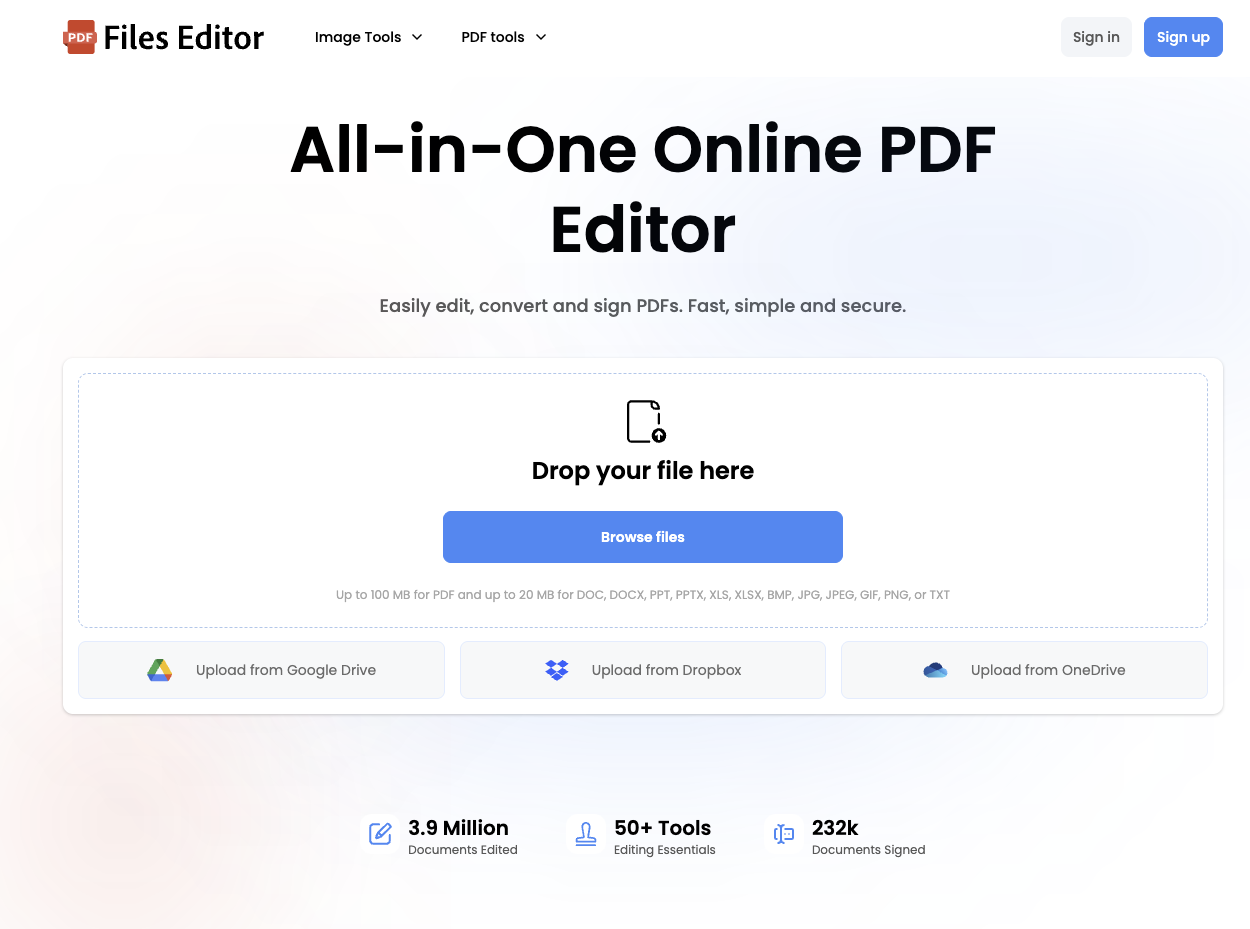
Files Editor is a web-based platform for editing, signing, converting, and managing PDF documents without installing software or browser extensions.
What it does
Edit and annotate PDFs by adding or changing text, images, shapes, drawings, sticky notes, highlights, and other annotations.
- Sign PDFs with signatures, initials, dates, and checkboxes.
- Convert files to and from PDF, including Word, Excel, PowerPoint, PNG, JPG, and TXT formats.
- Organize PDF pages by merging, splitting, extracting, rotating, cropping, adding, deleting, and sorting pages.
- Compress, repair, redact, password-protect, unlock, and watermark PDF files.
- Recognize text in document pages and images with OCR.
Key features
- Upload files from a device or from Google Drive, Dropbox, or OneDrive.
- Supports files up to 100 MB for PDF files and up to 20 MB for DOC, DOCX, PPT, PPTX, XLS, XLSX, BMP, JPG, JPEG, GIF, PNG, and TXT files.
- Provides more than 50 editing and document-management tools according to the site.
- Offers encrypted storage and file password encryption as security features.
- Runs fully online and requires only an internet connection to get started. What makes it different Files Editor combines PDF editing, e-signing, conversion, page organization, document repair, OCR, and file protection in one online platform. The site reports 3.9 million documents edited and 232,000 documents signed.