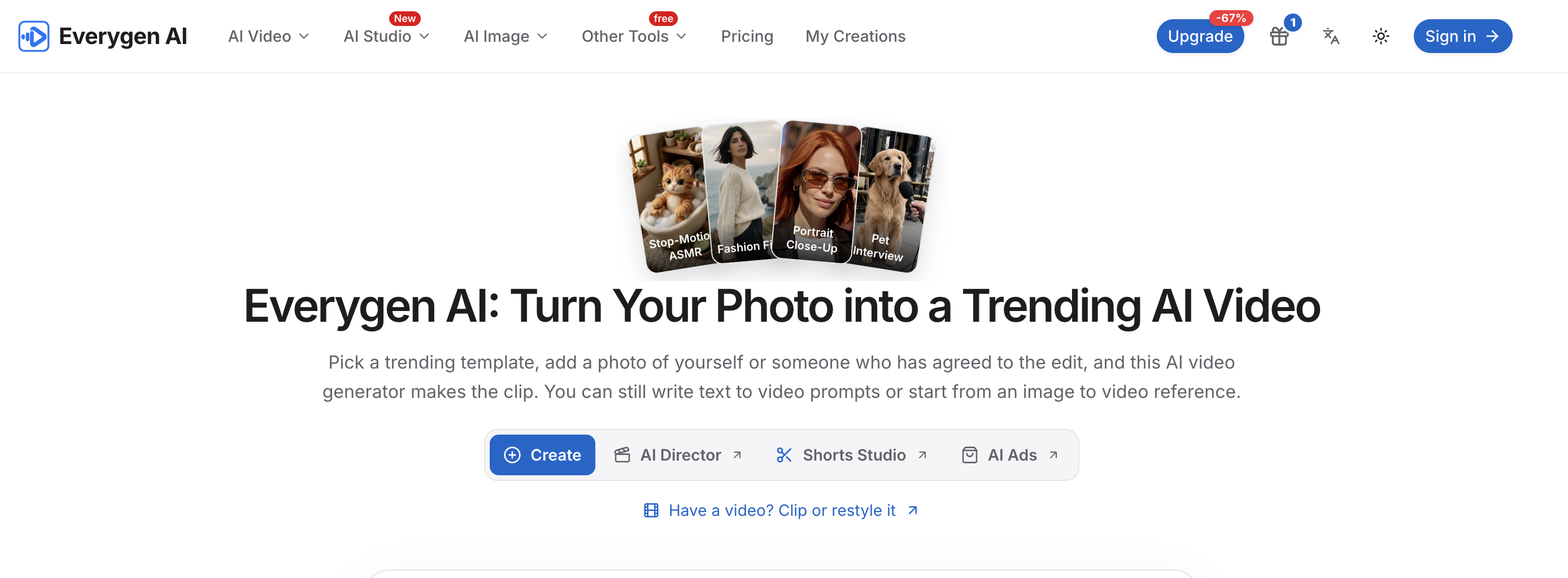
Everygen AI helps users create short AI-generated videos from a photo, a text prompt, or an image reference. Its template-led workflow is designed to let users choose a motion or visual style, upload an approved photo, review the credit cost, and generate a downloadable clip.
What it doesTurns a photo into a short AI video using a selected trending template.
Supports text-to-video prompts and image-to-video references.
Provides options to start from a photo, generate from text, or work with video through clip or restyle tools.
Lets users preview and download a video after it is generated.
Key featuresTrending video templates with previews and stated photo requirements.
Template-guided motion, transformations, camera moves, reactions, and visual styles.
One-photo workflows for most templates, with some templates requiring two photos.
Generator settings for AI video or AI image, aspect ratio, duration, and resolution as shown in the interface.
Credit cost visibility before submitting a generation.
Reference examples that can populate prompts and starting images for creative direction. What makes it different Everygen AI emphasizes a no-prompt template workflow: users select a trend and add a photo, while the template supplies the prompt and video settings. It also shows the required credit cost before generation and asks users to use photos they own or have permission to edit.