
Review 1Watch on YouTube

Deep.Image
Upload images, apply effects, enhance colors and sharpness, crop, remove objects, add text and frames.
About Deep.Image
Deep.Image is the perfect solution for anyone looking to quickly and easily enhance their images. With its intuitive user interface, it’s easy to get started. All you need to do is upload your image, select the desired effect, and let Deep.Image do the rest. With just a few clicks, you can easily enhance colors, contrast, and sharpness, apply filters, and even adjust the brightness and saturation of the image.Deep.Image also offers an array of powerful editing tools that let you crop, remove unwanted objects, and even add text and frames. You can also use the clone tool to copy sections of your image or apply photo effects such as blur, sepia, and vignetting. With Deep.Image, it’s easy to make your photos look stunning. Plus, with its easy-to-use sharing features, you can quickly and easily share your images with family, friends, and followers.
Video Reviews
Review 2Watch on YouTube
User Reviews
No reviews yet. Be the first to review Deep.Image.
Similar Tools in Image Enhancer

Exposure X6 Photoshop Plugin
Contact for pricing
5.0(1)
Enhance colors, adjust shadows & highlights, and add creative effects like bokeh & flares effortlessly.
Image EnhancerDesign & Media

Pixelcut.ai
Contact for pricing
5.0(1)
Automatically enhance, personalize, and create stunning images with AI-powered tools and auto-correction.
Image EnhancerDesign & Media

Removal AI
Freemium
5.0(1)
Detect and remove offensive and undesired content with advanced filtering for maintaining content standards.
Image EnhancerDesign & Media
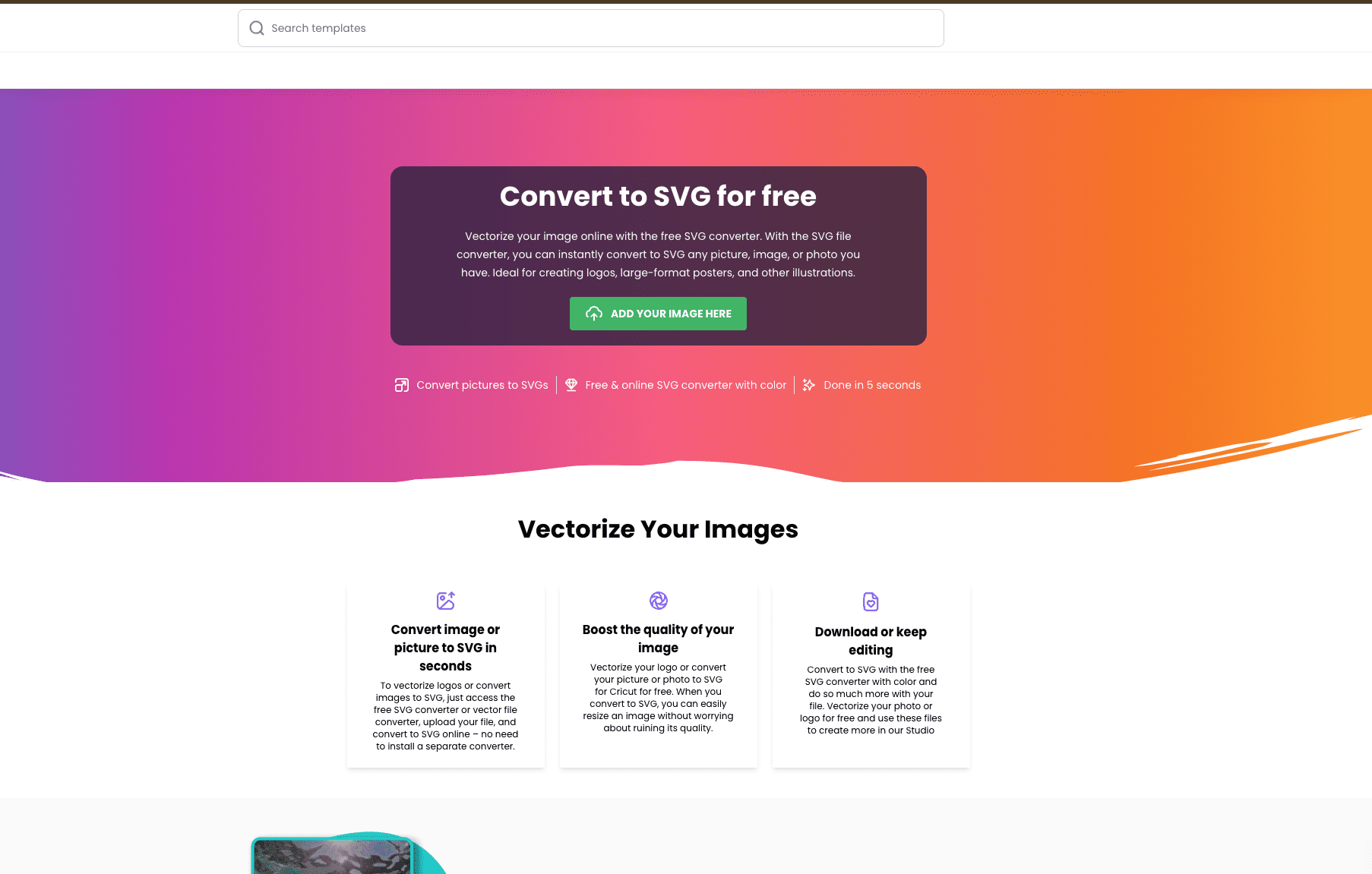
Creative Fabrica PNG to SVG Converter
Free tier available
4.0(1)
Creative Fabrica is a renowned platform celebrated for its commitment to fostering creativity and productivity among designers and hobbyists alike. One of its standout offerings is a free PNG to SVG converter to vectorize images available through its online studio.
Image EnhancerDesign & Media