
Review 1Watch on YouTube

Cutout Pro
Remove backgrounds, adjust colors, and automate object removal and color correction for images.
About Cutout Pro
Cutout Pro is a comprehensive image editing service that helps businesses and individuals create stunning visuals for their projects. With Cutout Pro, you can quickly and easily remove backgrounds, adjust colors, and enhance images with a variety of filters. The service also features a range of automated tools, such as a smart object removal tool and a color correction tool, that allow you to effortlessly refine your images. Whether you want to create professional-looking visuals for your website or for a print project, Cutout Pro has everything you need to get the job done quickly and efficiently. With its intuitive interface, helpful tutorials, and fast-loading tools, Cutout Pro makes it easy to create high-quality images that will wow your audience.
Video Reviews
Review 2Watch on YouTube
User Reviews
No reviews yet. Be the first to review Cutout Pro.
Similar Tools in Image Enhancer

Exposure X6 Photoshop Plugin
Contact for pricing
5.0(1)
Enhance colors, adjust shadows & highlights, and add creative effects like bokeh & flares effortlessly.
Image EnhancerDesign & Media

Pixelcut.ai
Contact for pricing
5.0(1)
Automatically enhance, personalize, and create stunning images with AI-powered tools and auto-correction.
Image EnhancerDesign & Media

Removal AI
Freemium
5.0(1)
Detect and remove offensive and undesired content with advanced filtering for maintaining content standards.
Image EnhancerDesign & Media
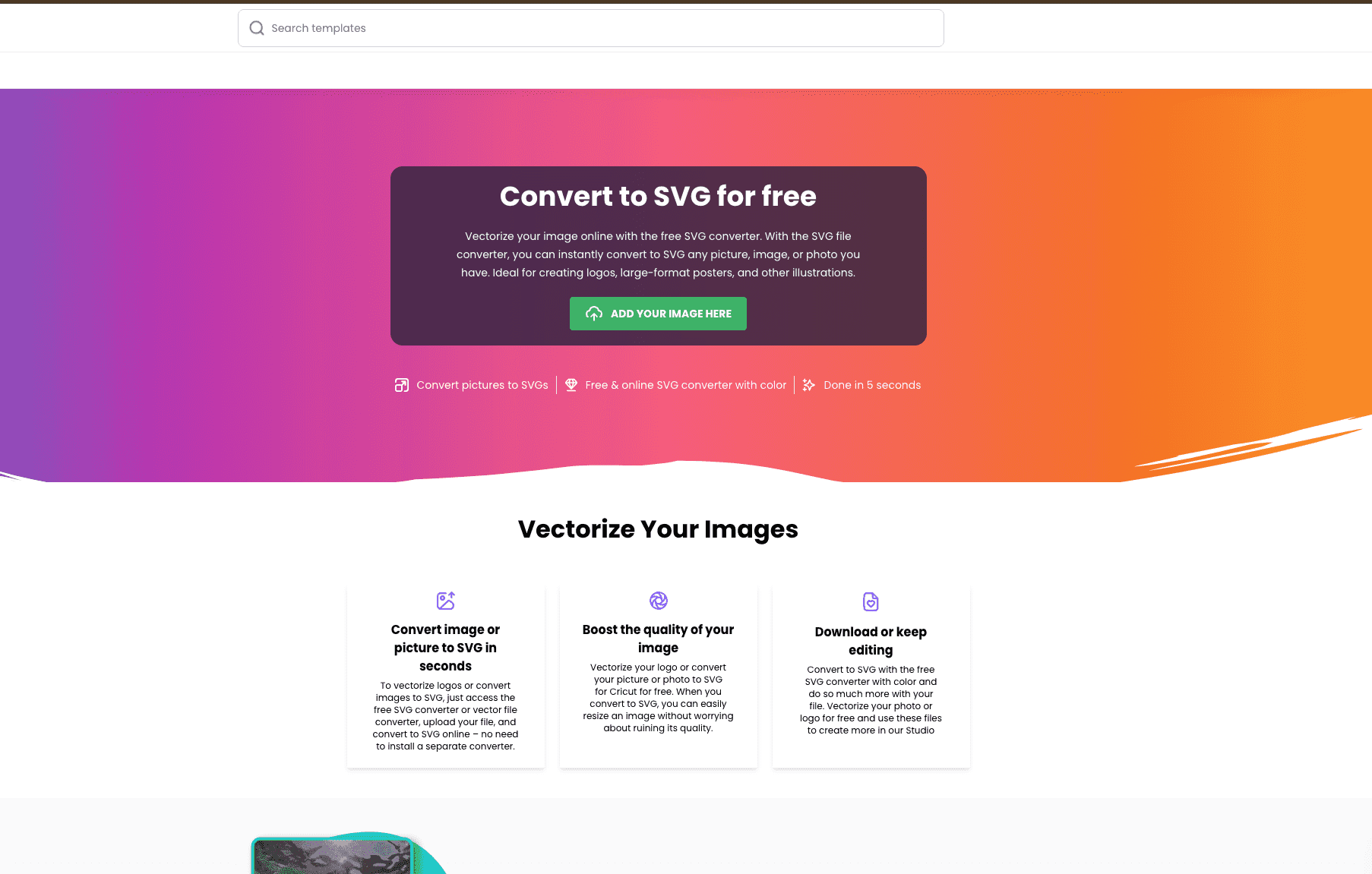
Creative Fabrica PNG to SVG Converter
Free tier available
4.0(1)
Creative Fabrica is a renowned platform celebrated for its commitment to fostering creativity and productivity among designers and hobbyists alike. One of its standout offerings is a free PNG to SVG converter to vectorize images available through its online studio.
Image EnhancerDesign & Media