
Review 1Watch on YouTube

Create annotated tutorials, record and share meetings, and make marketing videos effortlessly.
About Berrycast Transcripts
Berrycast is a comprehensive screen recording and sharing platform that is both powerful and easy to use. With a single click, you can start recording your screen, and you can also add microphone and webcam support for even more options. It also comes with annotation tools, password protection, and a range of trimming options so you can customize your videos perfectly. Plus, you can quickly share your recordings with popular tools such as Microsoft Teams, Gmail, Asana, Figma, and Didacte. Whether you’re creating online tutorials, recording meetings for future reference, or creating marketing videos, Berrycast makes it easy to capture, edit, and share your recordings with the world. With its intuitive interface and comprehensive features, Berrycast is the perfect choice for anyone who needs to get their message across.
Video Reviews
User Reviews (6)
S
SAFIC KHAN
September 21, 2023
5/5
User Satisfaction
5/5
Ease of Use
5/5
“Revolutionizing Communication!”
What do you like about Berrycast Transcripts?
I love how Berrycast Transcripts has made communication clearer and more efficient, aiding me significantly in managing project updates and client communications. The time-saving aspect of this tool, alongside its unerring stability, the brilliant feature that notifies me whenever a sent video is watched, and the convenience with which files can be organized are all truly impressive. Not to mention, the customer service and safety of the links are also commendable.
What did you dislike about Berrycast Transcripts?
The review does not mention anything that the user dislikes about Berrycast Transcripts.
M
Mostafa Jamali
September 21, 2023
5/5
User Satisfaction
5/5
Ease of Use
5/5
“Sailing Smooth With Berrycast”
What do you like about Berrycast Transcripts?
What I like best about Berrycast Transcripts is the fluidity and ease it brings to my daily work schedule. I also appreciate the prompt notifications I receive upon the recognition of my videos, the storage capacity, and the ability to use my own links for sharing. I commend the continuous improvements and added features delivered by their development team.
What did you dislike about Berrycast Transcripts?
The review doesn't mention any negative aspects of using Berrycast Transcripts. However, it is possible that a user may find some issues over time as they continue to use the service.
M
mohammad rzp
September 20, 2023
5/5
User Satisfaction
5/5
Ease of Use
5/5
“Revolutionizing Email Communication!”
What do you like about Berrycast Transcripts?
The ability to quickly and easily record my thoughts or explain a concept while showing what I'm doing on my screen, as well as the option to organize my recordings in folders and share the shortlinks within my team is what I like best about Berrycast.
What did you dislike about Berrycast Transcripts?
n/a
P
Pum Walters
September 20, 2023
5/5
User Satisfaction
5/5
Ease of Use
5/5
“A Game Changer in Communication”
What do you like about Berrycast Transcripts?
The user appreciates the easy-to-use interface, the unlimited storage, the notification feature when a video has been watched, and the continuous improvements in Berrycast Transcripts. It has been helpful in managing communication with clients and team, explaining complex tasks, project management, and social media updates.
What did you dislike about Berrycast Transcripts?
N/A
M
MILAD FARAJI
September 19, 2023
5/5
User Satisfaction
5/5
Ease of Use
5/5
“Magnetic Screen Recording Tool!”
What do you like about Berrycast Transcripts?
The user appreciates the ease of use, efficiency, and excellence of Berrycast Transcripts. Specific features such as the notification feature that informs when a video has been watched, the option to organize videos in folders, and linking them are highly valued. The continuous enhancements and a stable platform are also elemental parts of the user's positive experience. The exceptional customer service also plays a critical role in their satisfaction with the service.
What did you dislike about Berrycast Transcripts?
N/A
M
mohammadreza ghoreishi
September 19, 2023
5/5
User Satisfaction
5/5
Ease of Use
5/5
“Magnetic Screen Recording Tool!”
What do you like about Berrycast Transcripts?
The ease of use, efficiency, and excellence of Berrycast Transcripts, along with additional features like notifications and the ability to organize videos in folders for convenience. The continuous efforts from the team to enhance the app and the exceptional customer service also stand out.
What did you dislike about Berrycast Transcripts?
n/a
Similar Tools in Transcription
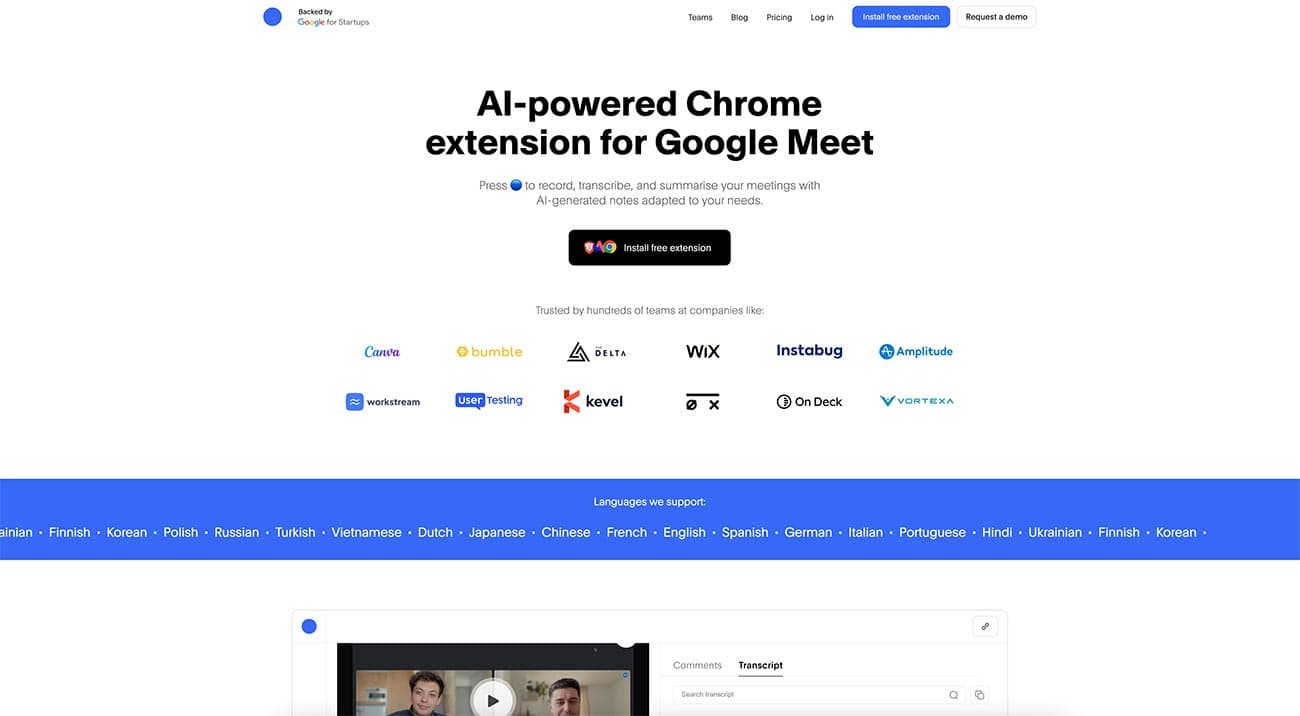
Bluedot 🔵
$18/mo
Record your meetings without a bot joining the call.
TranscriptionWriting & Content+1
TypeSkip
Contact for pricing
Automate transcription, convert audio/video to text, and accurately transcribe voices, accents, and languages.
TranscriptionWriting & Content

audio2doc
Contact for pricing
Automate audio transcription, edit documents, and transcribe accurately with user-friendly interface.
TranscriptionWriting & Content

WhisperAPI
$0.15/hr
Transcribe multiple speakers with diarization, convert audio files, and save time with accurate transcriptions.
TranscriptionWriting & Content+1