
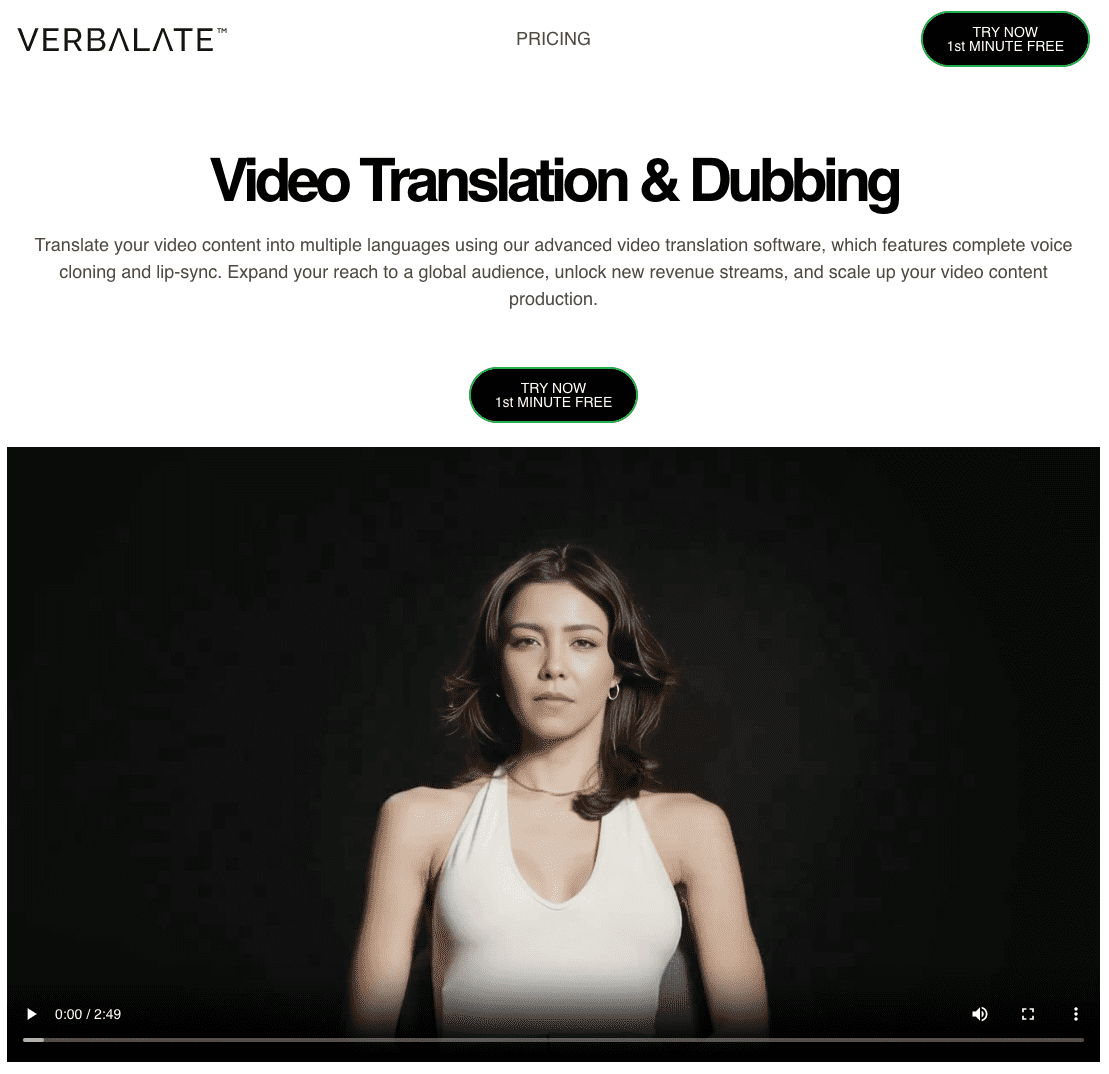
Verbalate Video Translator
$9/mo
4.0(1)
Verbalate is and audio and video translation tool that enables you to easily and affordably translate audio and video content with voice clone and optional lip sync.
DubbingDesign & Media+1
Browser extension that translates and dubs YouTube videos into your language, with bilingual subtitles, automatic source-language detection, and 42 dubbing languages.
AutoDub is a browser extension for watching foreign-language YouTube videos with AI-generated dubbed audio in your chosen language and bilingual subtitles on screen.
What it doesTranslates and dubs YouTube videos while they play.
No reviews yet. Be the first to review AutoDub.
$9/mo
Verbalate is and audio and video translation tool that enables you to easily and affordably translate audio and video content with voice clone and optional lip sync.
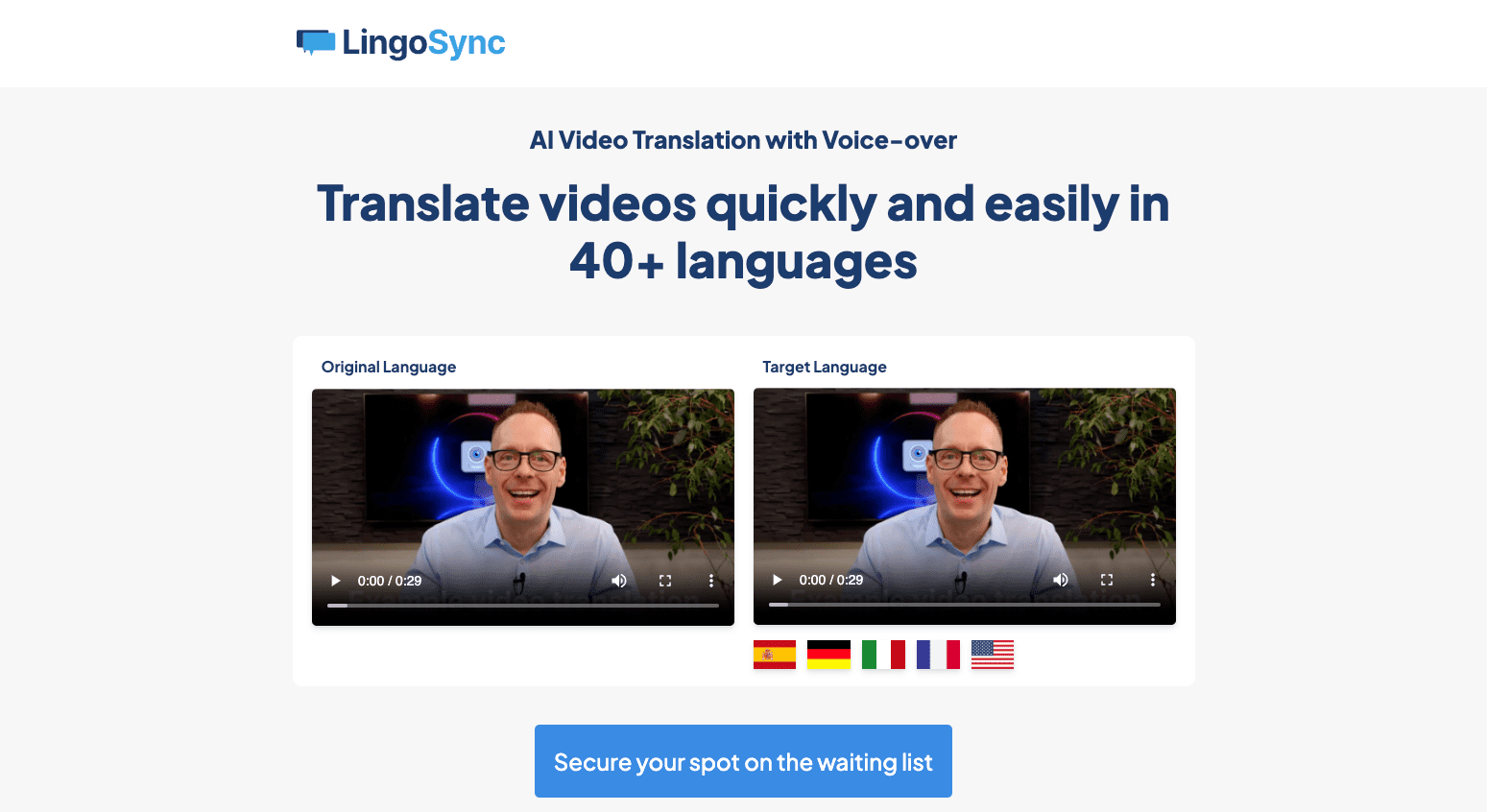
Free tier available
Rapidly translate content for YouTubers, marketing agencies, and e-learning platforms, expanding global reach and engagement.

Contact for pricing
Translate videos, create accurate subtitles, and reach global audience with 100+ languages in seconds.

Free
Automate multilingual voice-overs, generate sound effects, and create customized audio experiences effortlessly.