
PlantPhotoAI
Free tier available
5.0(1)
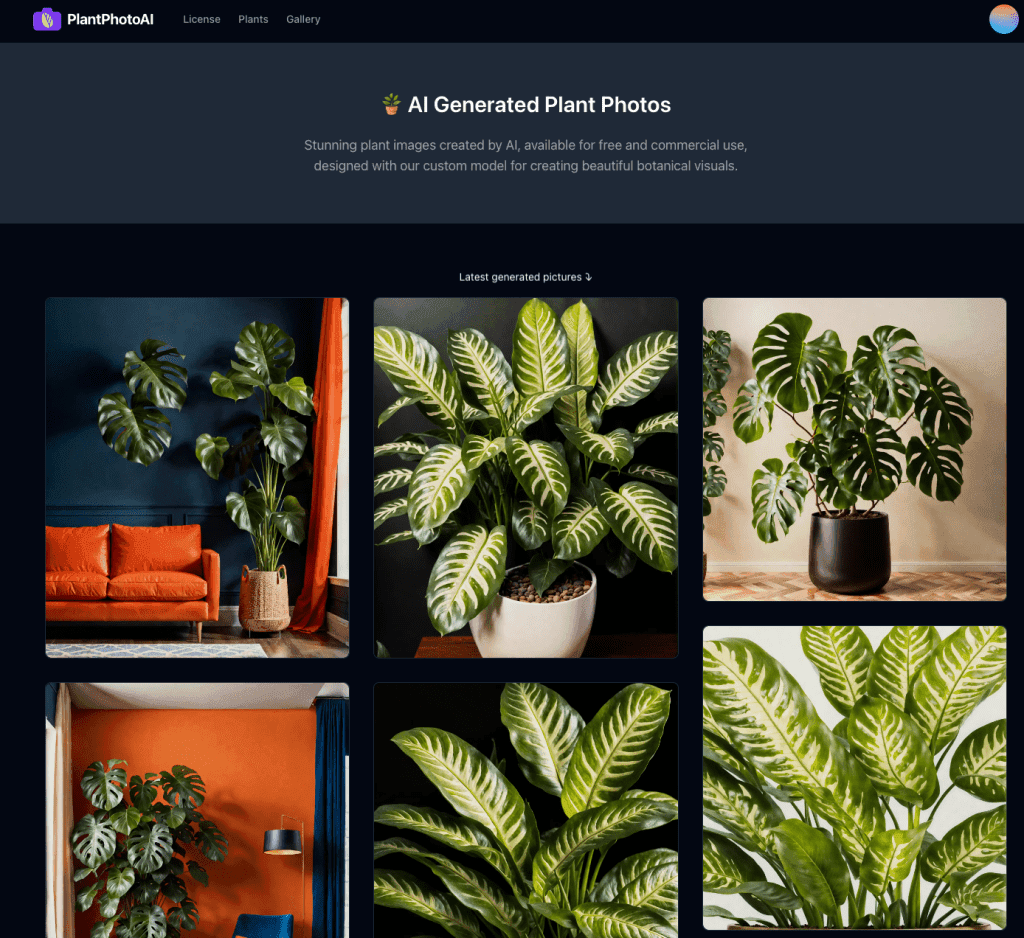
It is a gallery of generated photos of plants.
Image GeneratorDesign & Media
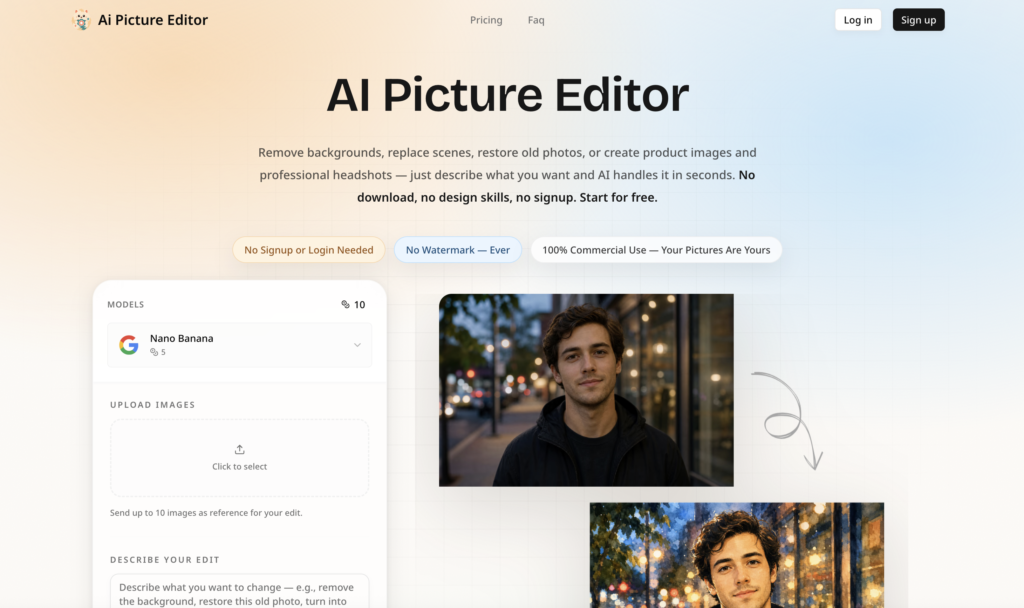
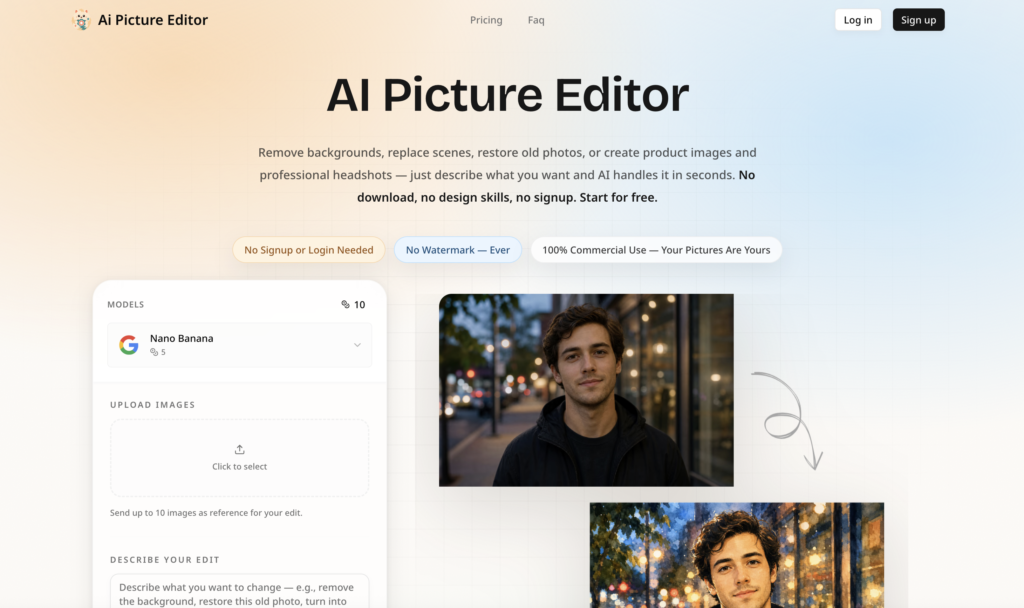
A free online AI picture editor that lets you remove backgrounds, erase objects, restore old photos, and apply artistic styles — just describe what you want, no signup or download needed.
AI Picture Editor is a free, browser-based AI image editing tool that lets you transform photos simply by describing what you want in plain English — no downloads, no design skills, and no signup required. Upload any picture and use text prompts to remove or replace backgrounds, delete unwanted objects, restore old scratched photos to HD, apply artistic style transfers, enhance image quality, or generate professional headshots and product images, all in seconds. Built with a privacy-first approach that auto-deletes your uploads after processing, it never adds watermarks and grants full commercial use rights so your output is entirely yours. Whether you are an e-commerce seller creating product photos, a social media creator polishing content, a photographer streamlining post-production, or just someone restoring treasured family memories, this editor covers everything from quick one-click edits to iterative fine-tuning across desktop and mobile.
No reviews yet. Be the first to review AI Picture Editor.
Free tier available
It is a gallery of generated photos of plants.
$10 for 1000 credits (pay as you go)
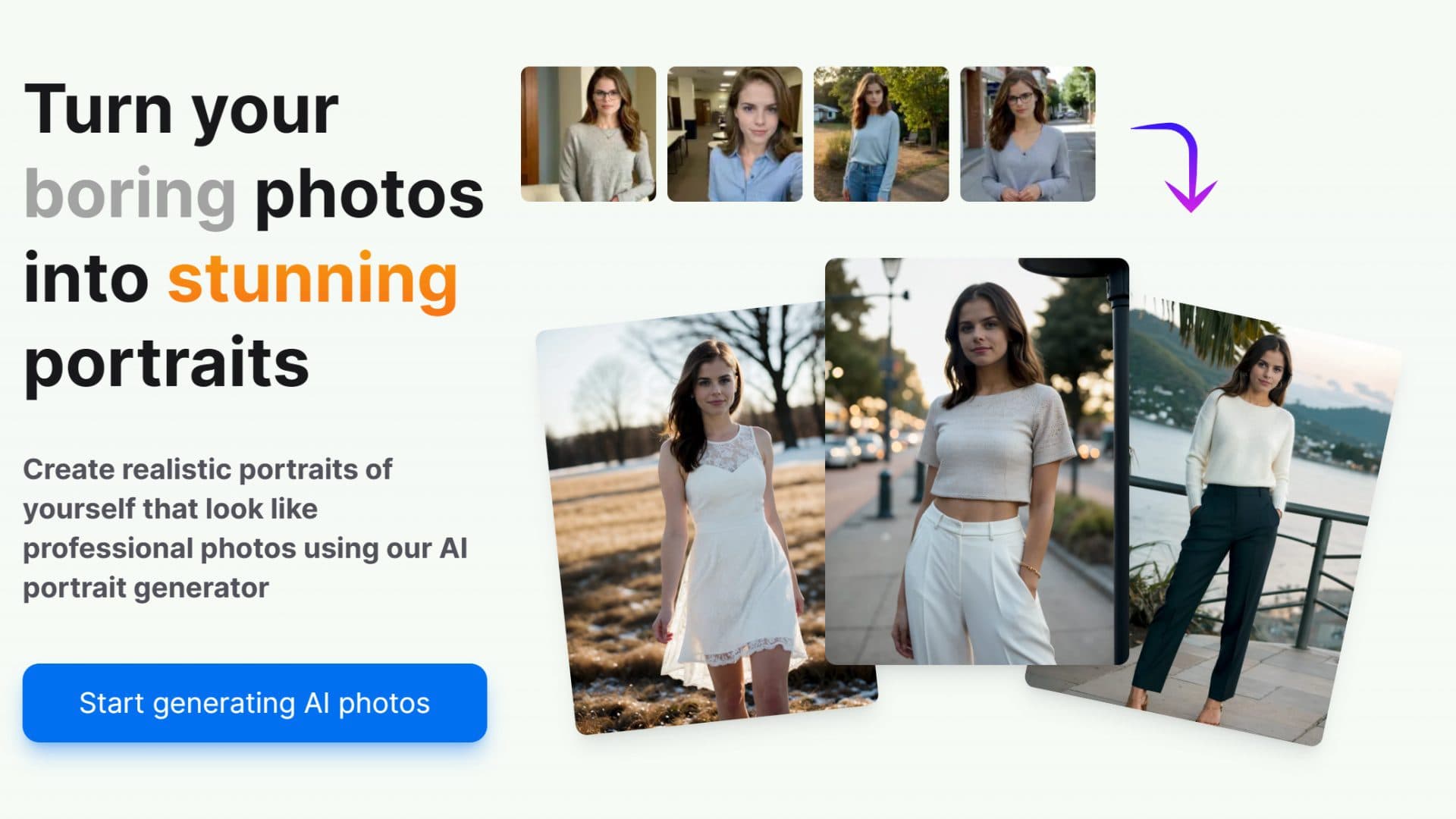
Create realistic portraits of yourself that look like professional photos using our AI portrait generator.

Contact for pricing
Find high-quality visuals, search with filters, and download for personal/commercial projects.
Free
Create personalized gifts, unique home decor, and turn selfies into painted portraits quickly.