
How to File Your Individual Income Tax Return Using PDF Forms
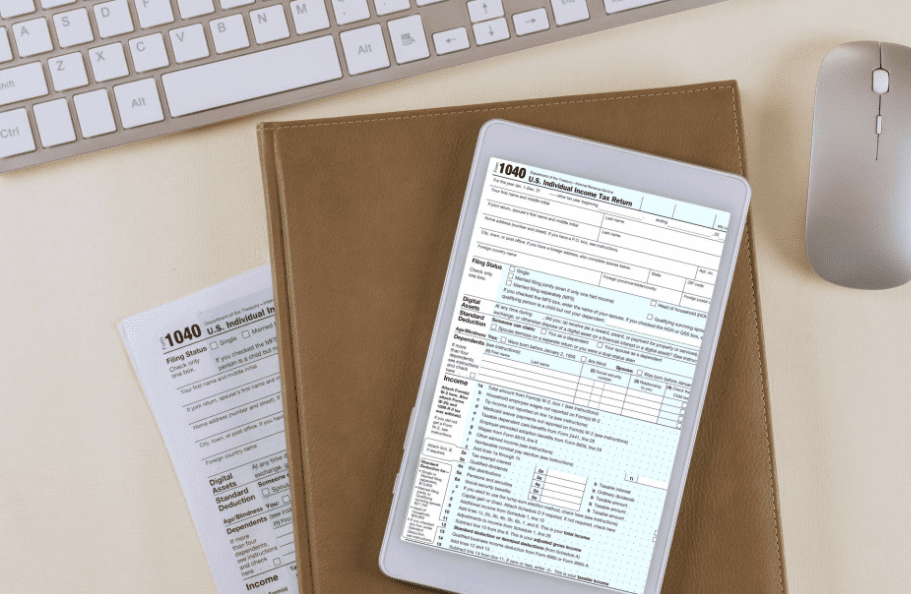
Filing a federal tax return sits near the top of most people’s annual to-do lists, and it rarely sparks excitement. Still, the process does not need to feel like a guessing game. PDF forms give filers a clear, structured way to complete their returns without relying on subscription-based software. They are easy to download, simple to review, and convenient to store for future reference. A bit of preparation and attention to detail turns what many consider a chore into a perfectly manageable task.
Understanding the Basics of Individual Tax Filing
Anyone in the U.S. who earns above a set income threshold is required to file a federal return each year. That threshold shifts based on age, income type, and filing status. The most common statuses are single, married filing jointly, married filing separately, and head of household. Each one comes with its own standard deduction amount and applicable tax brackets. Identifying the right status is essential before putting pen to paper, or cursor to field, on any form.
Why PDF Forms Remain a Practical Choice
Despite the rise of online filing platforms, a significant number of taxpayers still reach for PDF versions of their tax documents. These files can be saved to a personal computer, opened repeatedly, and printed whenever needed. They also make it easy to compare entries against a prior-year return stored in the same folder. Filers looking for the primary federal document can access a form 1040 (u.s. individual income tax return) from a trusted source to get started quickly. Working with the correct, current version helps prevent errors tied to outdated layouts or line changes.
Gathering Essential Documents Before Starting
Good preparation cuts filing time significantly. Before opening any tax document, it helps to have the following records within reach:
- W-2 statements from every employer during the tax year
- 1099 forms covering freelance earnings, bank interest, or dividend payments
- Receipts tied to deductible costs like medical expenses or charitable contributions
- Social Security numbers for each dependent claimed
- A copy of the previous year’s return for easy comparison
Having everything organized in one place minimizes back-and-forth searching and reduces the chance of missed entries.
Completing the Return Step by Step
Personal Information and Filing Status
The opening section of the return collects basic identification details. Filers provide their full name, current address, and Social Security number. Choosing the accurate filing status here is critical because it shapes every tax calculation on the pages that follow.
Reporting Income
All sources of earnings belong in the income section. Wages from employment are listed first, followed by interest, dividends, and any additional revenue streams. Each figure should align precisely with the amounts shown on the corresponding W-2 or 1099 documents. Even minor mismatches between reported numbers and employer records may cause processing holdups.
Claiming Deductions and Credits
At this stage, filers decide between the standard deduction and itemizing individual expenses. The standard route works well for most households. Those carrying large medical bills, mortgage interest payments, or substantial state tax obligations might save more by itemizing. Credits, such as the earned income credit or child tax credit, then lower the total owed on a dollar-for-dollar basis.
Calculating the Amount Owed or Refund Due
Once deductions and credits are applied, the resulting figure reveals whether a balance remains or a refund is on its way. Comparing the final tax liability to withholdings already taken from paychecks throughout the year produces the answer. Filers who still owe can include a payment with their submitted return.
Tips for Avoiding Common Mistakes
Minor oversights cause more rejected returns than people realize. Checking arithmetic on each line catches the most frequent problems before they reach the IRS. Forgetting to sign and date the completed form is another surprisingly common slip. For printed copies, using black ink keeps every entry readable for processing staff. Saving a full copy of the finished return, along with all attached records, offers a safety net if questions arise later.
Submission Options for Completed Returns
With the form filled out and reviewed, two main delivery methods are available. Printing and mailing the document to the correct IRS address remains the traditional approach. Some platforms also accept electronically completed PDF returns for digital delivery. Whichever route a filer picks, submitting before the April deadline prevents penalties and accruing interest on any outstanding balance.
Conclusion
Handling an individual income tax return through PDF forms keeps the filer close to every number and every decision. This hands-on method provides transparency that automated tools sometimes trade away for convenience. Solid preparation, careful data entry, and a thorough final review are what separate a smooth filing experience from a frustrating one. Whether someone is tackling their first return or their twentieth, PDF-based filing remains a reliable, no-cost path to meeting federal obligations on time.